Henry Schein ONE logo

Dentrix Pay Quick Start

Dentrix Pay is an integrated payment processing solution that improves cash flow with convenient payment options, saves time with seamless Dentrix integration, and helps protect against lost payments and transaction errors. In addition, the less attention you devote to tracking payments, the more focused you can be on other office tasks.

Learn how to use Dentrix Pay to process credit card transactions in your office and quickly receive payments from your customers. Use these resources to get started with Dentrix Pay.

Watch this video to understand basic features. (Duration 2:47)


Visit this page to view videos, articles, and other resources about using Worldpay.

Read this article and watch these tutorials to see how to perform individual tasks.

Daily Tasks

These videos demonstrate tasks that you'll perform in your daily use of Dentrix Pay
  • image

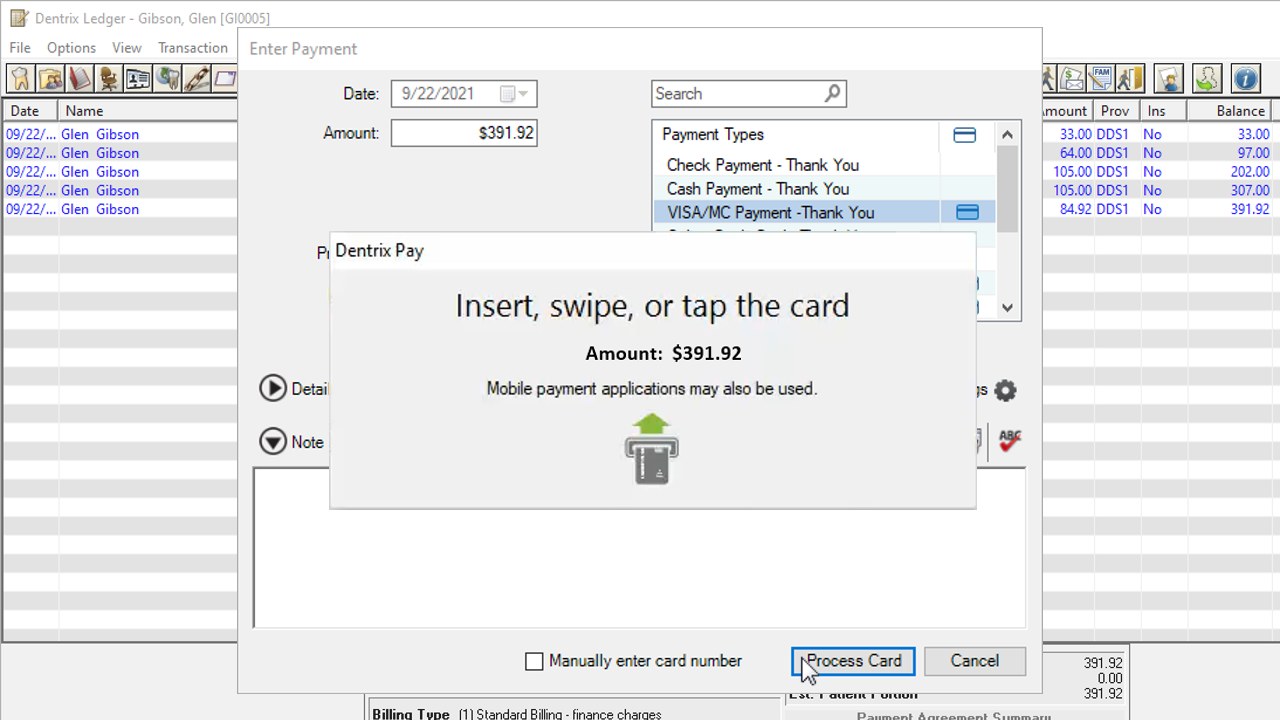
    Posting Dentrix Pay Payments

  • image

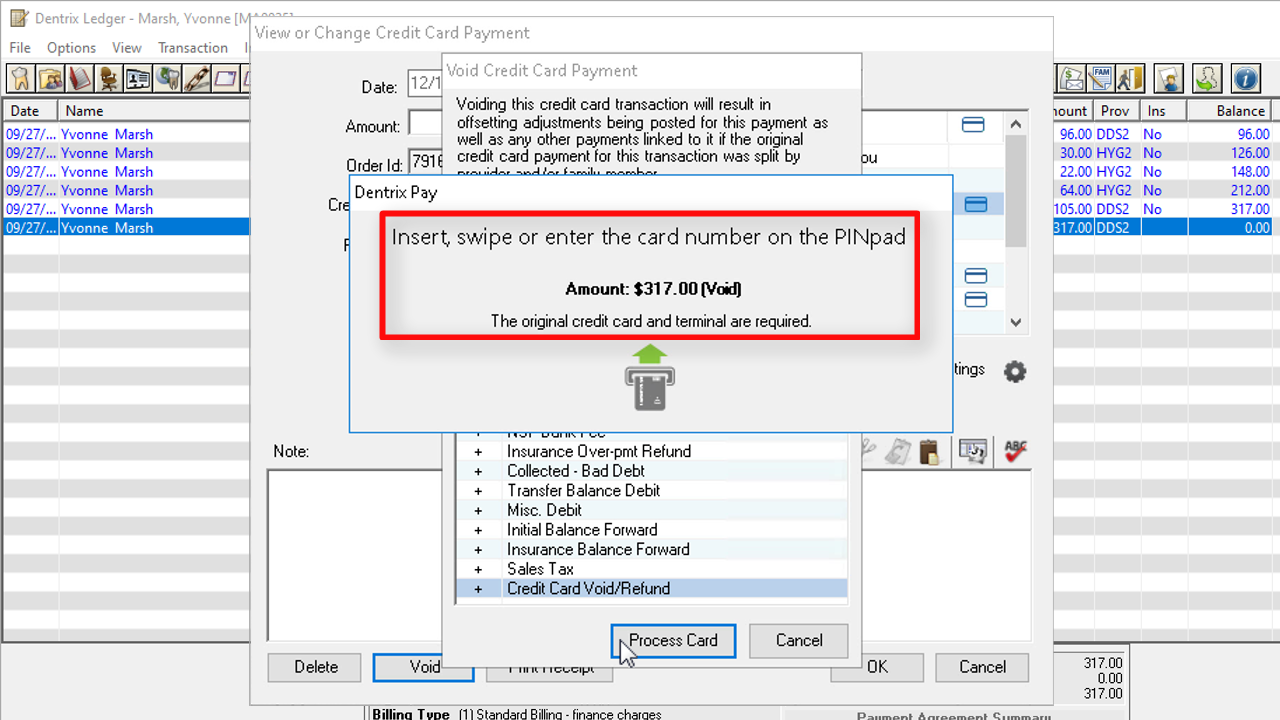
    Voiding Dentrix Pay Credit Card Payments

  • image

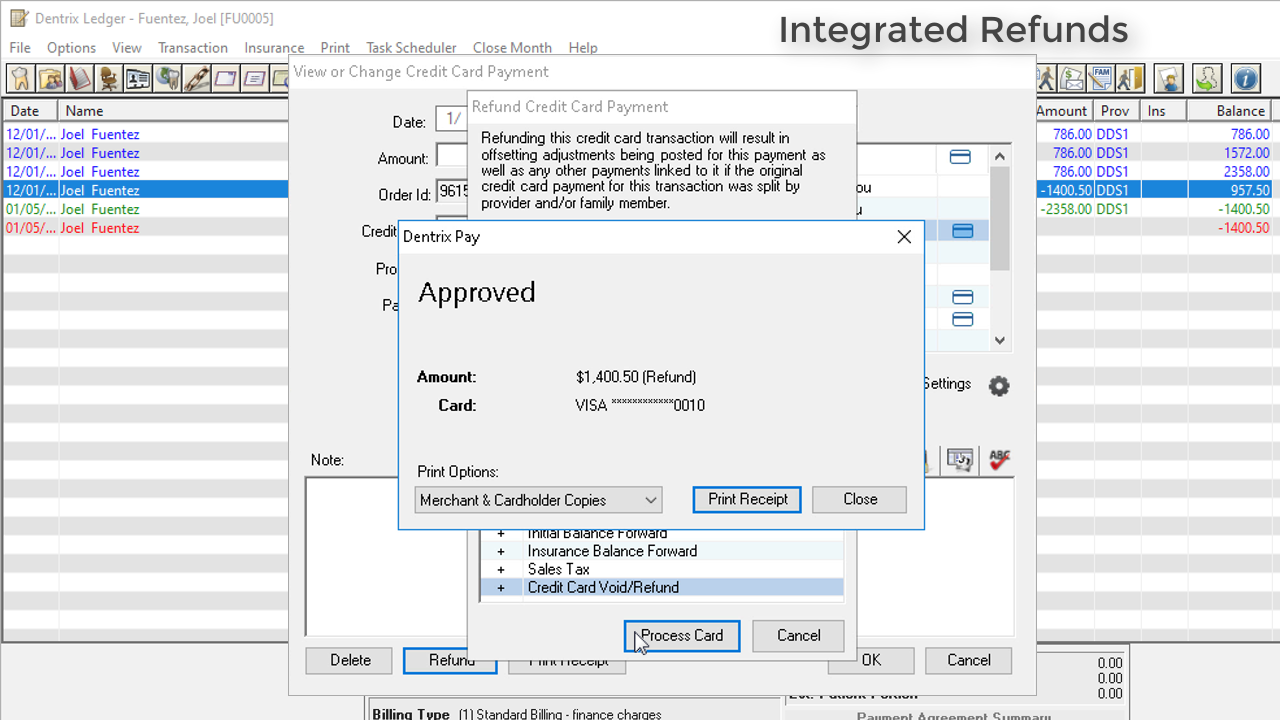
    Refunding Dentrix Pay Payments

  • image

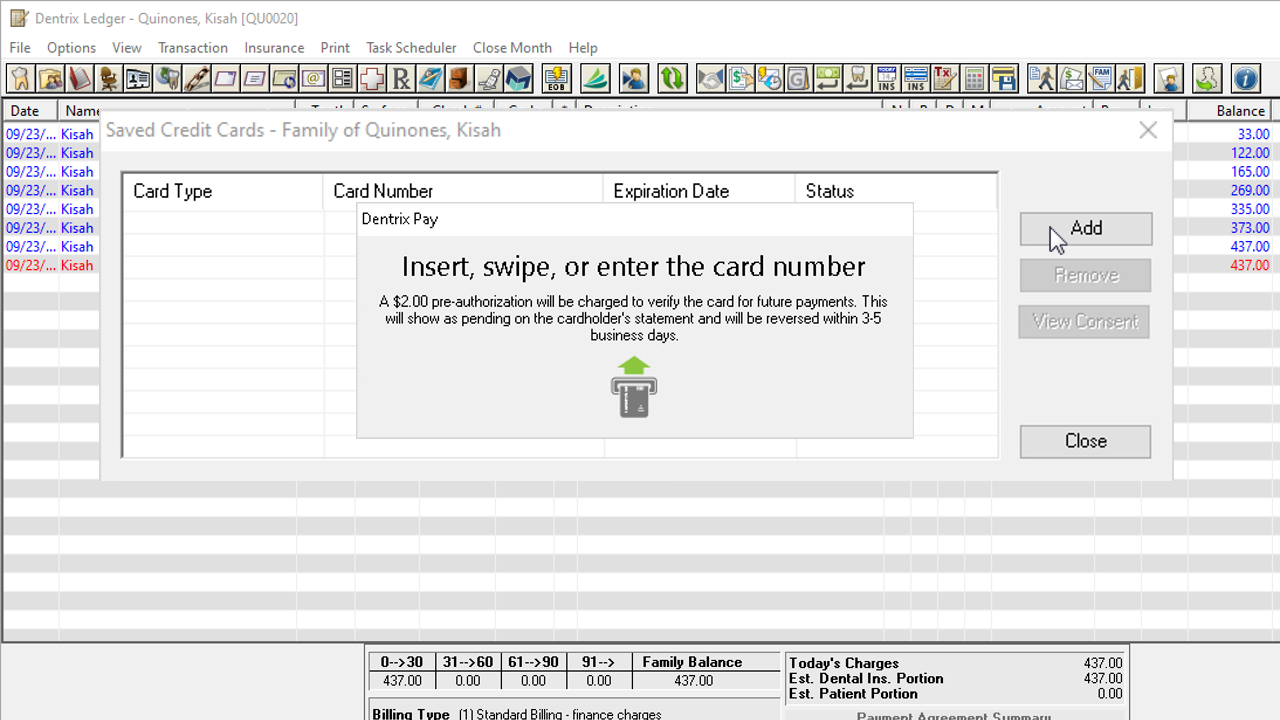
    Saving a Credit Card without Processing a Payment

  • image

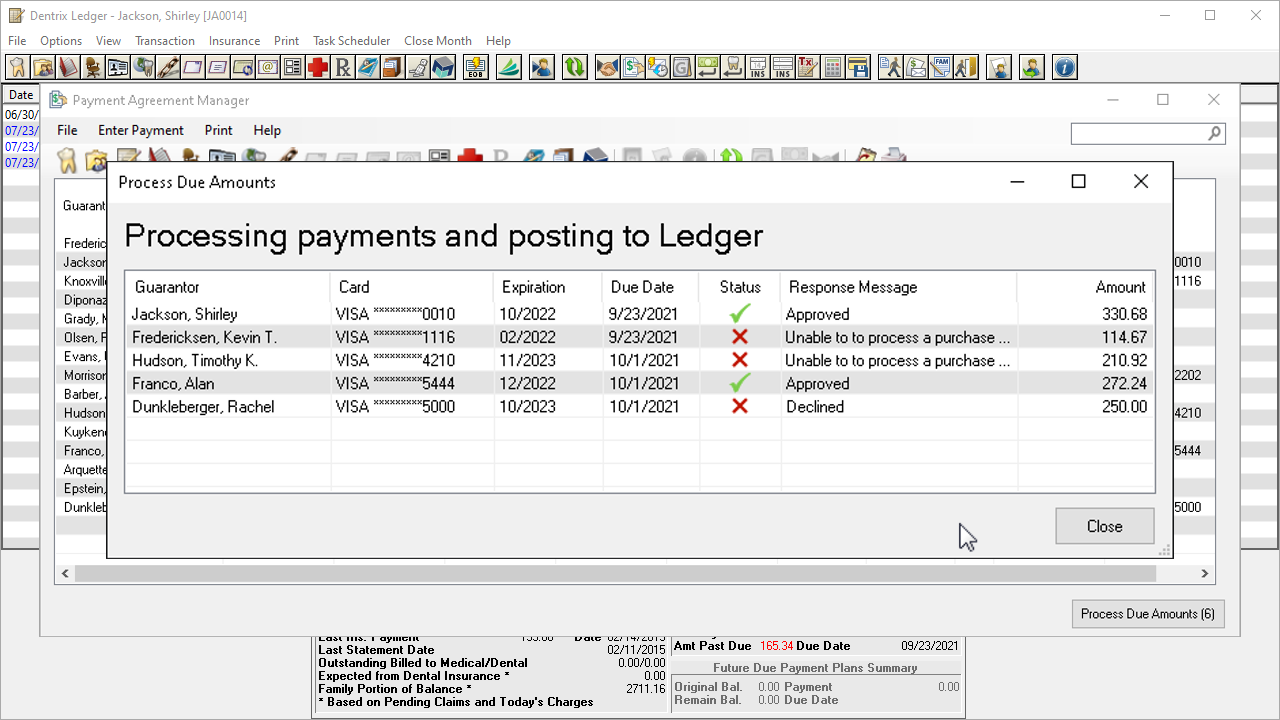
    Posting to Payment Agreements with Saved Credit Cards

  • image

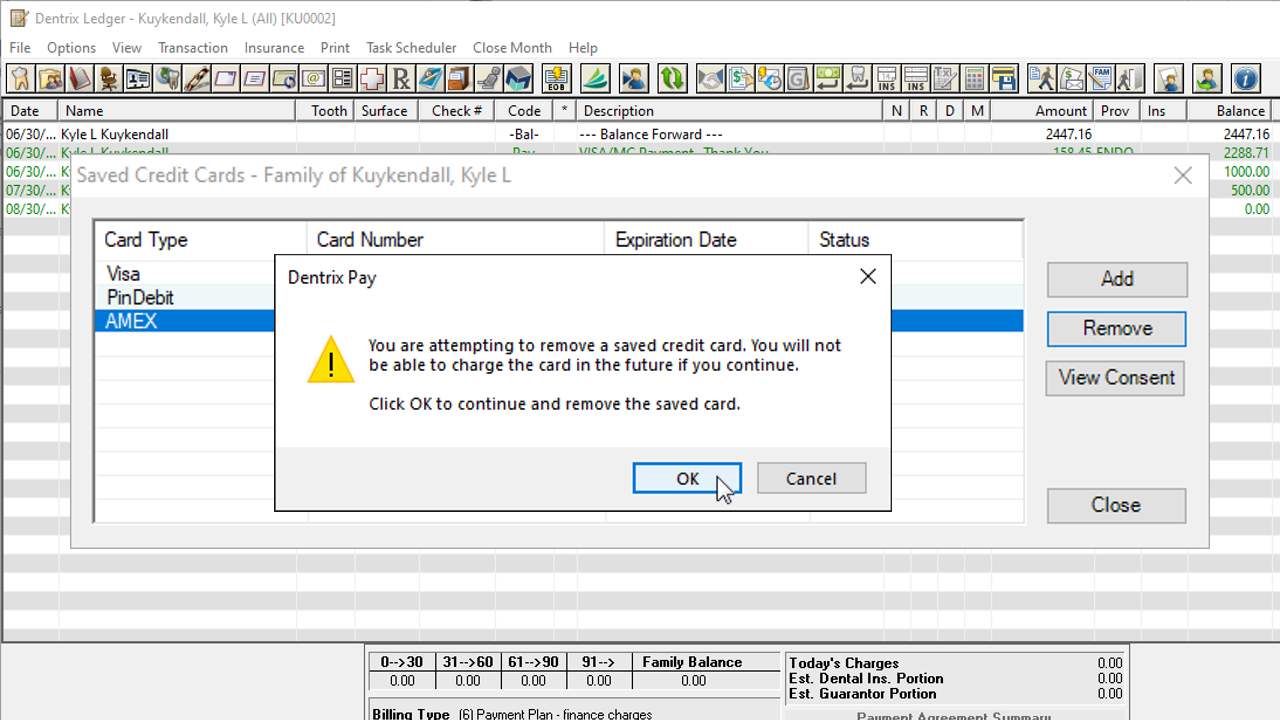
    Removing a Saved Credit Card

Set Up Tasks

These videos demonstrate tasks that are typically performed once during set up.
  • image

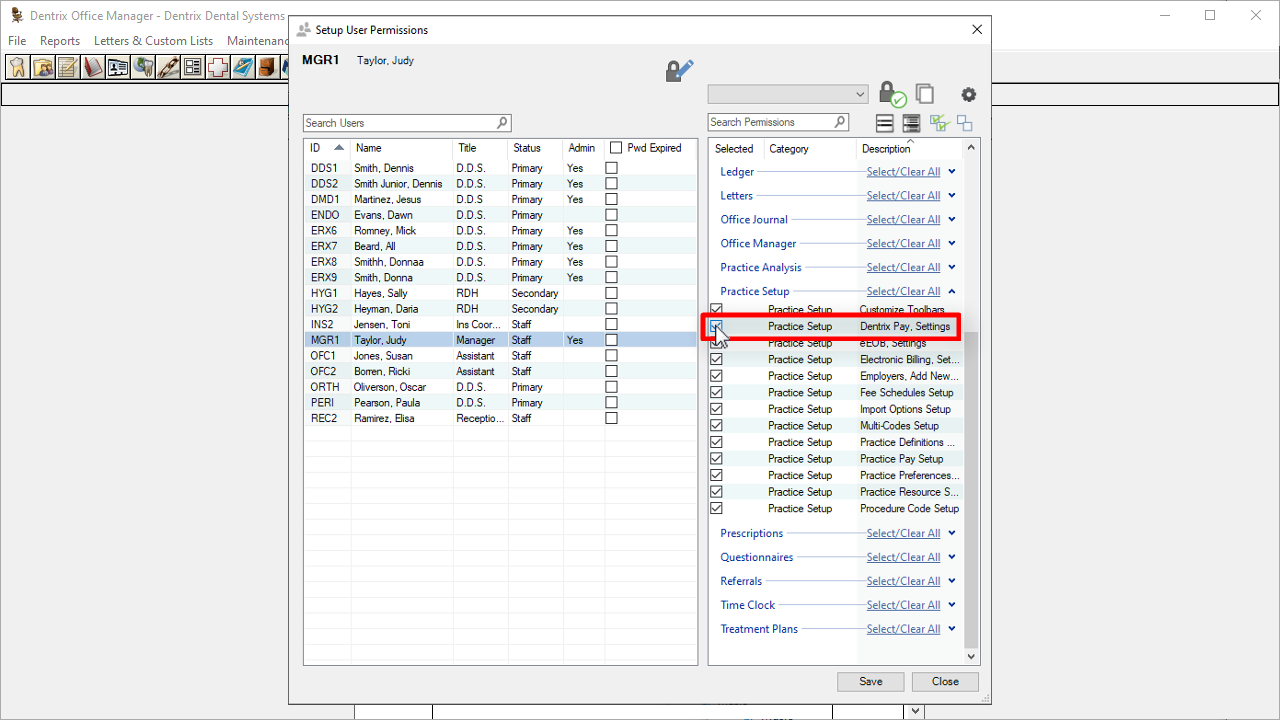
    Granting Dentrix Pay Administrative Rights

  • image

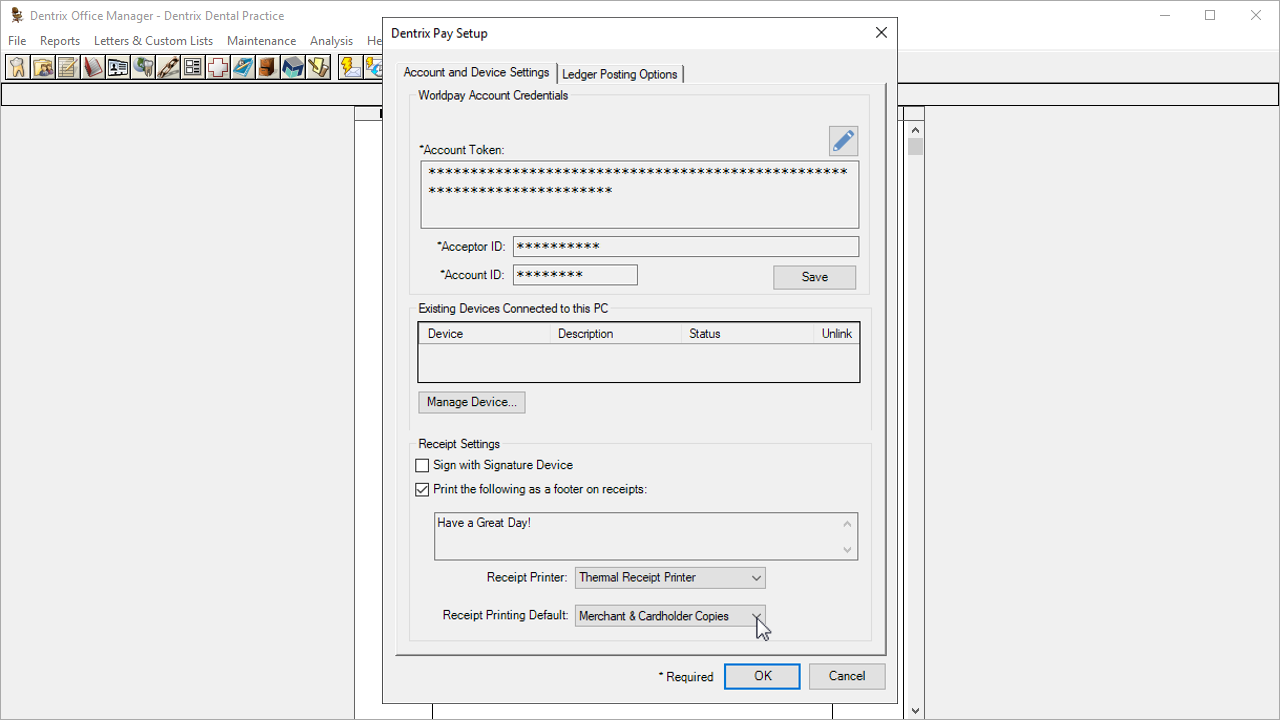
    Enabling Dentrix Pay

  • image

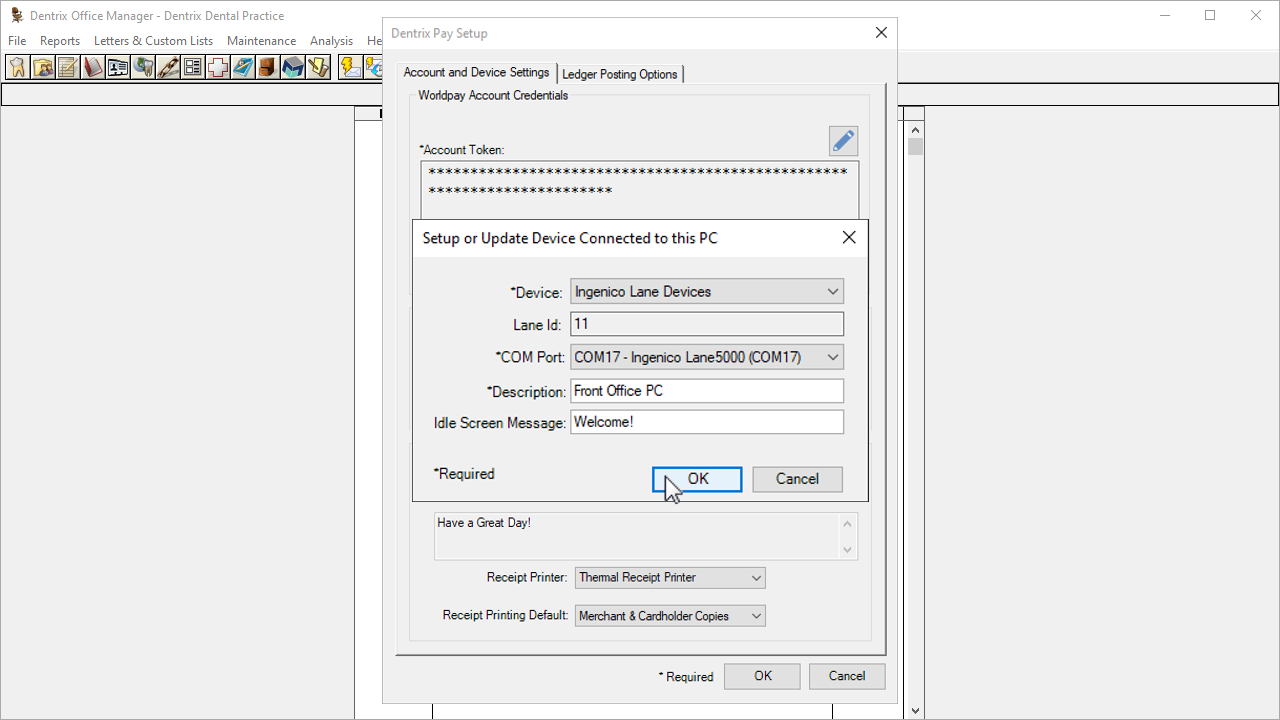
    Activating PINpad Devices

  • image

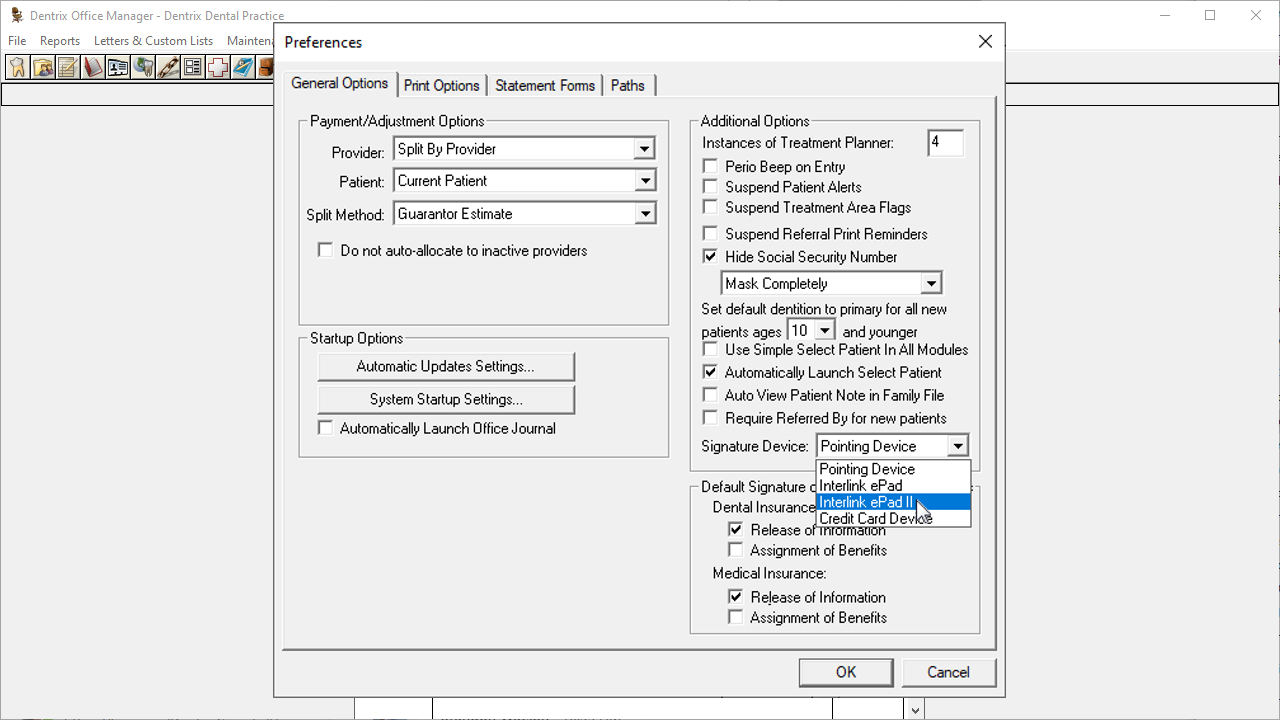
    Activating eSignature Devices

View the Dentrix Pay section of the online Help files.