Resubmitting claims
You can resubmit a claim, such as when an insurance company does not receive a claim or an error on a claim needs to be corrected before the payer rejects the claim. Any changes made to the claim will be sent with the resubmission.
Notes:
-
For information about resubmitting a claim after a partial or zero-dollar payment was posted for that claim, see the topic about resubmitting a claim after posting a partial insurance payment.
-
Editing and resubmitting claims requires the "Edit Insurance Claims" and "Send Insurance Claims" security rights.
To resubmit a claim
-
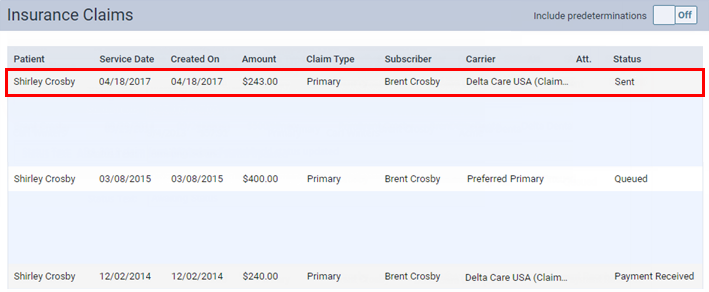
Click (or tap) a sent claim on one of the following pages:
-
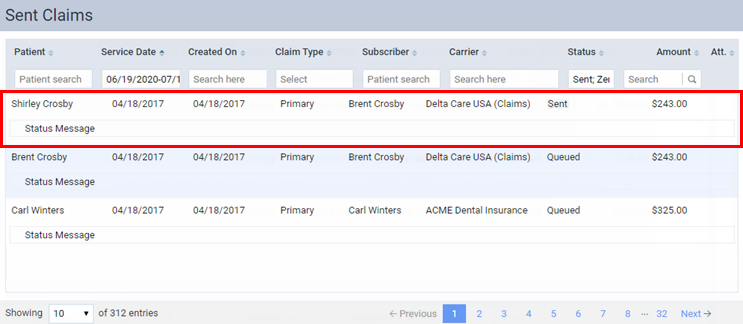
Note: Claims are sorted by their dates of service (oldest to most recent).
-
A patient's Insurance Claims page.
-
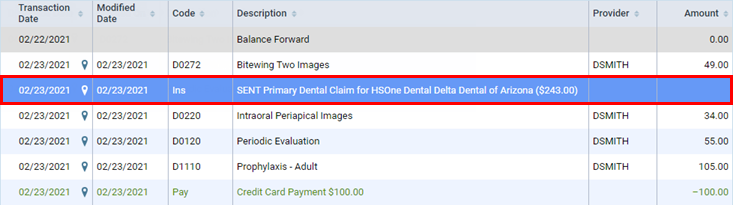
Note: A sent claim that has not been rejected can have any of the following statuses: Sent, Paid (the payment was sent by the carrier but not received by your office), Accepted, Pending, Queued, Printed, Resubmitted, Settled, or Attachment Hold.
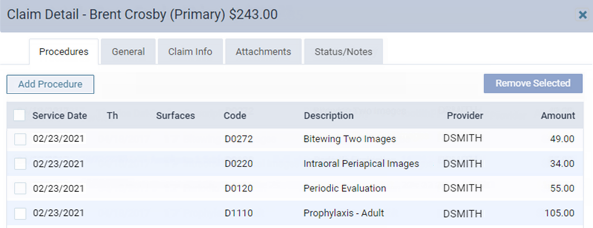
The Claim Detail dialog box appears.
-
-
Do any of the following as needed:
-
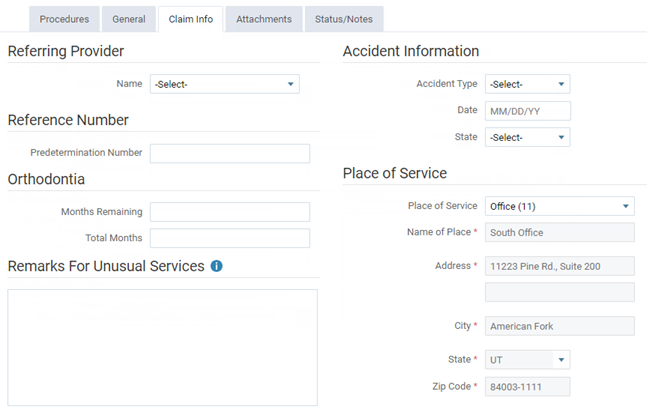
On the Claim Info tab, make any necessary changes.
-
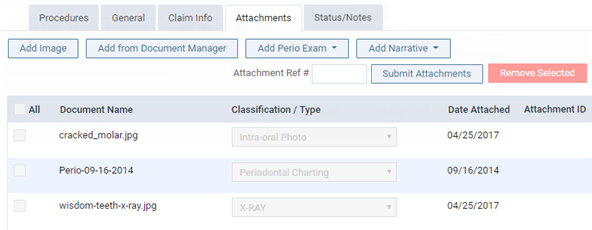
On the Attachments tab, add or correct any attachments as needed.
-
-
Click (or tap) Resubmit. This button is not available if the claim has a Queued status.
