Reprinting claims
You can reprint a claim, such as when an insurance company does not receive a claim or an error on a claim needs to be corrected. Any changes made to the claim will be sent with the resubmission.
Note: Reprinting claims requires the "Send Insurance Claims" security right.
To reprint a claim
-
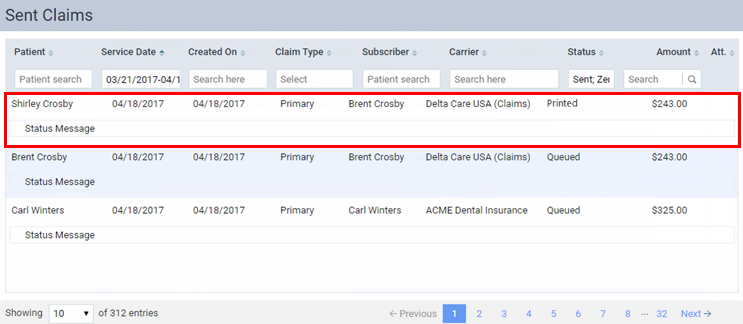
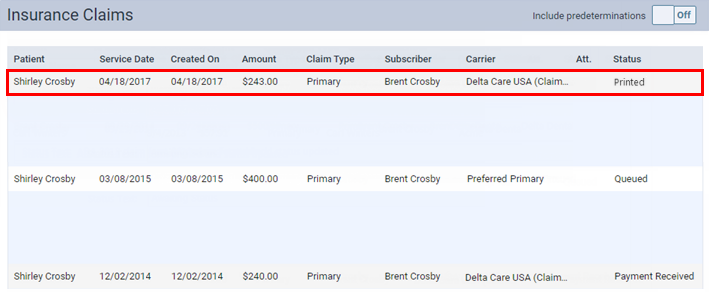
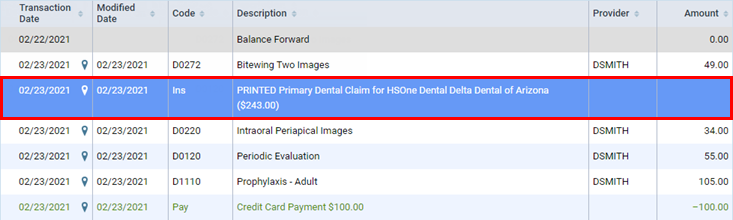
On one of the following pages, click (or tap) a claim with a Printed status:
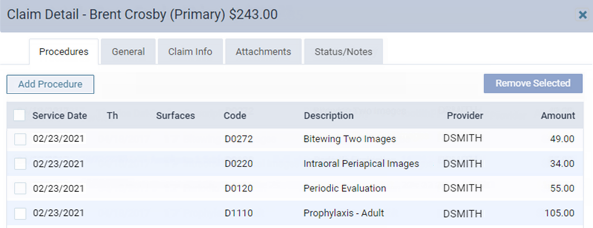
The Claim Detail dialog box appears.
-
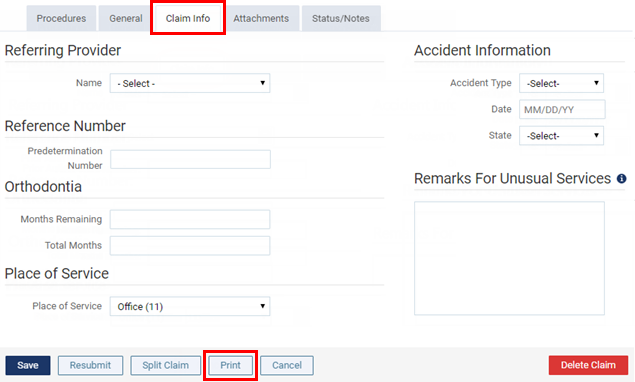
On the Claim Info tab, make any necessary changes.
-
If the claim does not have any electronic attachments, to create a .pdf file of the claim, which you can print, click (or tap) Print.
A Ready to Print message appears.
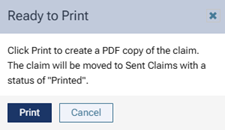
Note: If you have made certain changes to the claim (added or removed procedures on the Procedures tab or made changes to the accident information on the Claim Info tab), and if the claim is already matched to an ERA, the claim will become unmatched if you print the claim.
-
Click (or tap) Print.
A .pdf file is created and appears on a new browser tab.
Note: For a pre-printed Denti-Cal claim form, the .pdf file has claim information only (no boxes, lines, or labels).
-
Click the Print this file button
 .
.A print preview appears.
-
If the claim is to be printed on a pre-printed Denti-Cal claim form, put a pre-printed Denti-Cal claim form sheet of paper in your printer; otherwise, make sure that there is a blank sheet of paper in your printer.
-
Make sure that the correct printer is selected, and then click Print.