Removing insurance from patients
You can remove an insurance plan from a patient's record. If the plan has expired or been terminated, you should end the coverage not remove the plan.
Note: Removing insurance from patients requires the "Remove Ins. Plan from Patient" security right.
To remove a patient's insurance
-
Do one of the following:
-
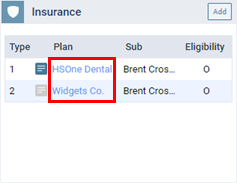
On a patient's Overview page, the Insurance box displays the patient's insurance plans. Click (or tap) an insurance Plan link.
-
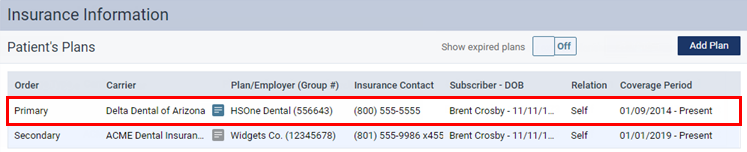
On a patient's Insurance Information page, select an insurance plan.
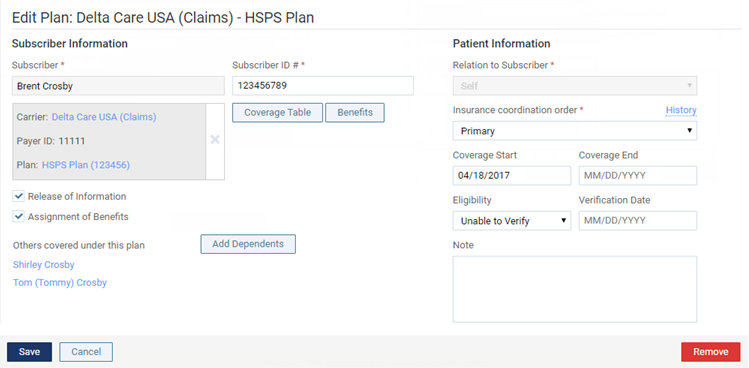
The options for editing insurance information become available.
-
-
Click (or tap) Remove.
A confirmation message appears.
-
Click (or tap) Remove.