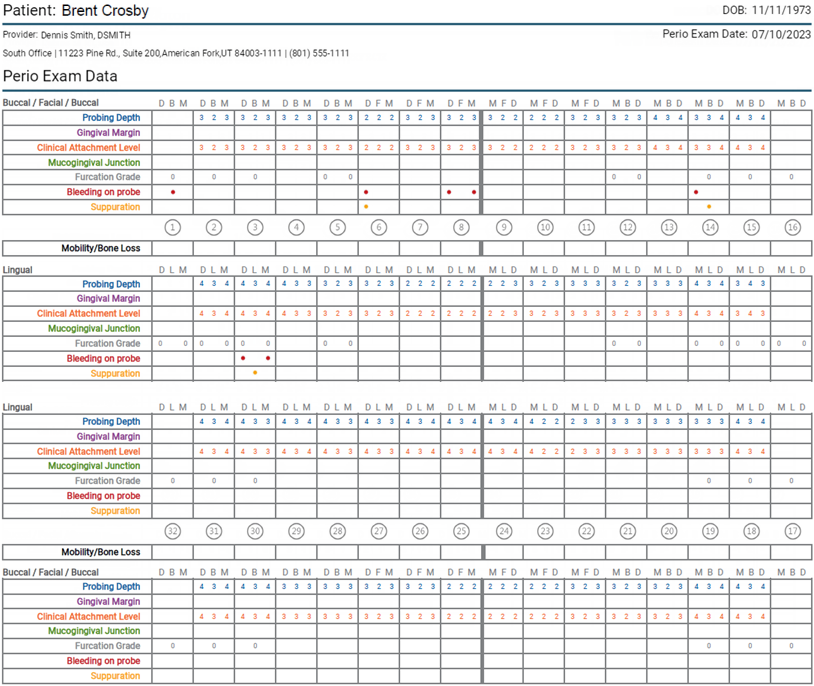
Printing perio exams
You can print the details of a perio exam in a patient's record.
To print a perio exam
-
If the correct patient is not already selected, use the Patient Search box to access the patient's record.

-
On the Patient menu, under Clinical, select Perio.
The patient's clinical record opens with the Perio tab selected.
-
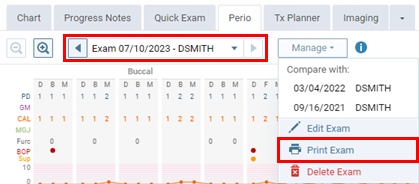
Select an exam.
-
On the Manage menu, click (or tap) Print Exam.
A preview of the report appears as a .pdf that you can print.