Printing payment plans
You can print the details of a payment plan from the Ledger of the guarantor with whom the plan is associated or from the Ledger of any of the patients who have that guarantor in common. Also, included with the details of the payment plan is a truth-in-lending disclosure.
Tip: You can print a payment plan immediately after creating it or at a later time.
To print a payment plan
-
Open the Ledger page of one of the following people:
-
A guarantor who has an active payment plan.
-
A patient with a guarantor who has an active payment plan.
-
-
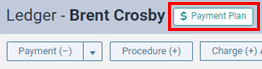
Click (or tap) the Payment Plan button.
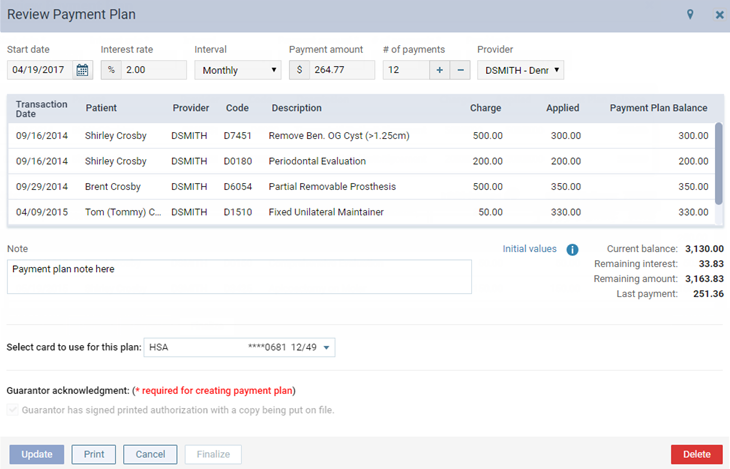
The Review Payment Plan dialog box appears.
-
Click (or tap) Print.
The payment agreement appears on a new tab of your Web browser.