Designating orthodontic treatment providers
When you are creating or editing a user account, you can designate the user as an orthodontic treatment provider. If the user is designated as an orthodontic treatment provider, the user's name is available for selection as a doctor for a visit on the Ortho tab of a patient's clinical record.
Note: The option for designating an orthodontic treatment provider is relevant only if you have purchased the Orthodontics package. The Orthodontics package is an add-on feature that you can purchase separately from your Dentrix Ascend subscription.
To designate an orthodontic treatment provider
-
Do one of the following:
-
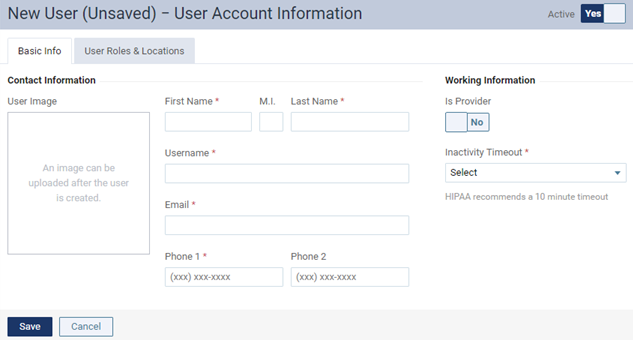
Start creating a user account.
The options for entering user account information become available.
-
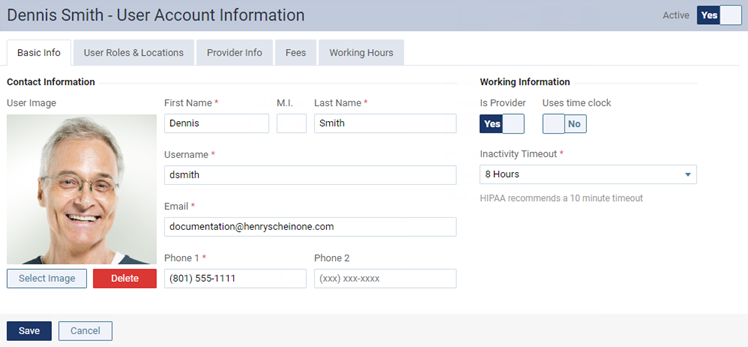
Start editing an existing user account.
The options for editing the user account become available.
-
-
On the Basic Information tab, to designate this user as an orthodontic treatment provider, set the Ortho Provider switch to Yes.
Note: This switch is available only if the Is Provider switch is set to Yes.
-
Set up or change other options as needed.
-
Click (or tap) Save.