Designating orthodontic treatment assistants
When you are creating or editing a user account, you can designate the user as an orthodontic treatment assistant. If the user is designated as an orthodontic treatment assistant, the user's name is available for selection as an assistant for a visit on the Ortho tab of a patient's clinical record.
Note: The option for designating an orthodontic treatment assistant is relevant only if you have purchased the Orthodontics package. The Orthodontics package is an add-on feature that you can purchase separately from your Dentrix Ascend subscription.
To designate an orthodontic treatment assistant
-
Do one of the following:
-
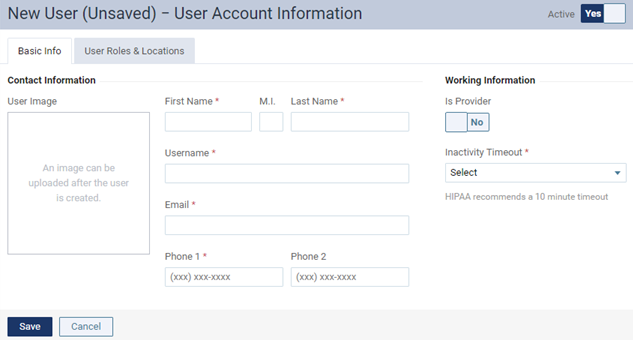
Start creating a user account.
The options for entering user account information become available.
-
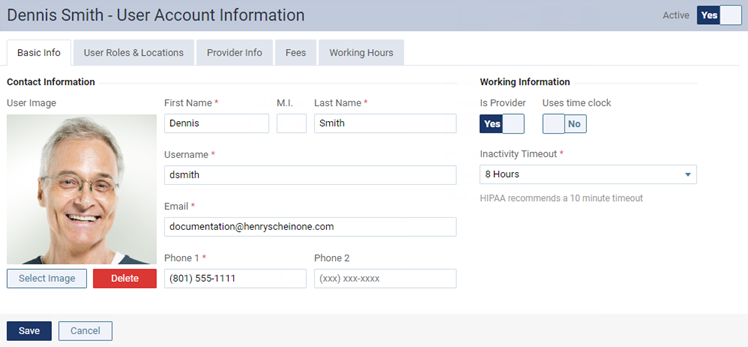
Start editing an existing user account.
The options for editing the user account become available.
-
-
On the Basic Information tab, to designate this user as an orthodontic treatment assistant, set the Ortho Assistant switch to Yes.
-
Set up or change other options as needed.
-
Click (or tap) Save.