
You can print all clinical notes within a specific date range or for a selected provider or patient. You can also print specific clinical notes by narrowing your clinical notes search by entering criteria for each of these values.
To print a clinical note
1. Open the Signature Manager.
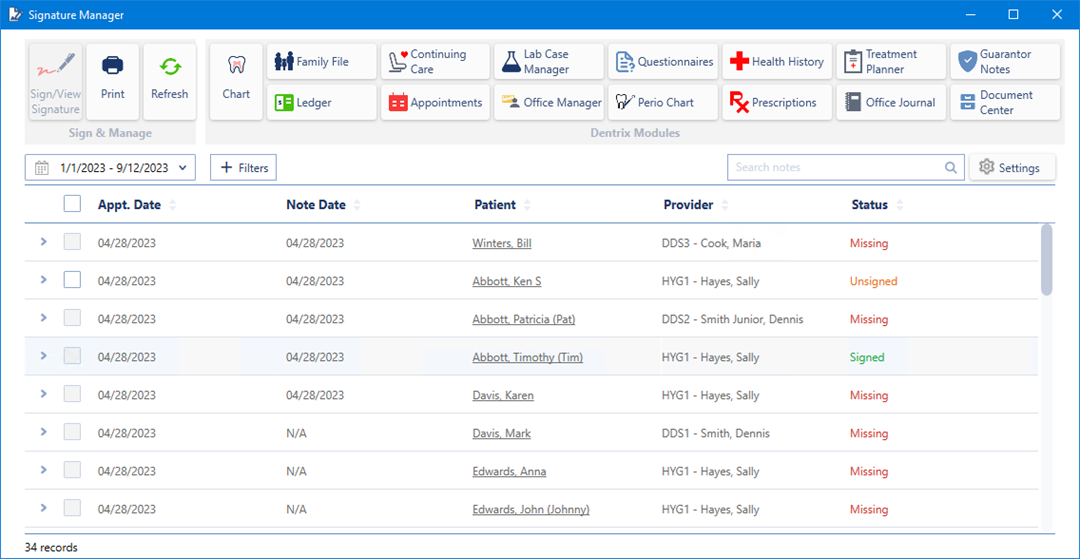
The Signature Manager window appears.
2. Do one of the following:
Filter the list by status, active providers, inactive patients and/or providers, or set the date or the date range that you want to print.
Select Appt. Date to print the entire list.
3. Click the Print button.
The Print dialog box appears.
4. Select the desired printer, and then click Print.