
Viewing vital signs waveforms
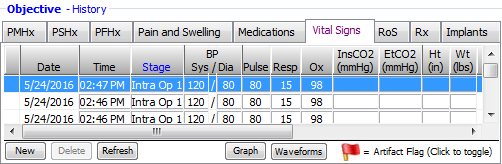
When viewing patient vital signs data on the Vital Signs tab in the Electronic Health Record, you can view waveforms of the captured vital signs (when available).
Note: To view waveforms, you need to have the Download waveforms checkbox selected in the Preferences dialog box for the Vital Signs Monitor Client. You also need to have either Adobe Acrobat Reader or Adobe Acrobat Pro installed to read PDF files.
To view vital signs waveforms
From the Vital Signs tab, click Waveforms.
If multiple waveform files have been captured, select the file you want from the list.
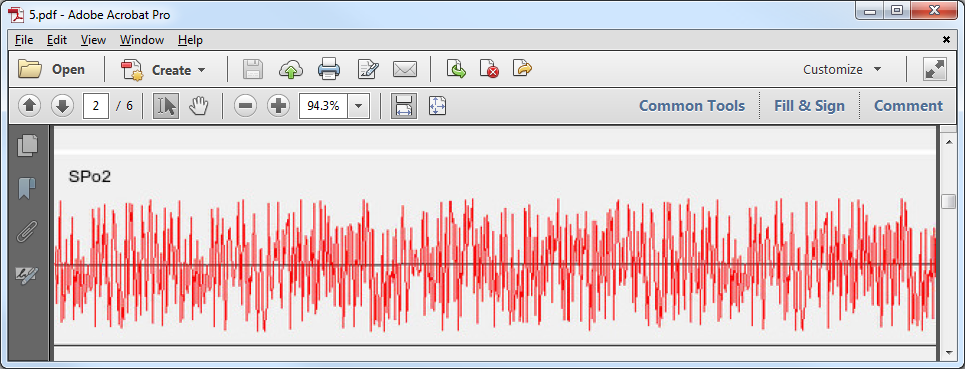
The vital signs waveforms PDF file opens in Adobe Acrobat/Reader.
Need more help?
You can visit our website or contact OMSVision Customer Support.