
In DXOne Reporting, you can create a report template for future use. A report template is a set of options that you configure for a report. You may want to create a template for a report that you run frequently with the same set of options; you can then generate the report from that template without having to go through the effort of configuring the options each time you want to generate that report.
Note: Creating a report template requires the "Schedule Report" security right for that report.
To create a report template
In DXOne Reporting, select a report category on the left, and then double-click a report on the right.
A report options dialog box appears.
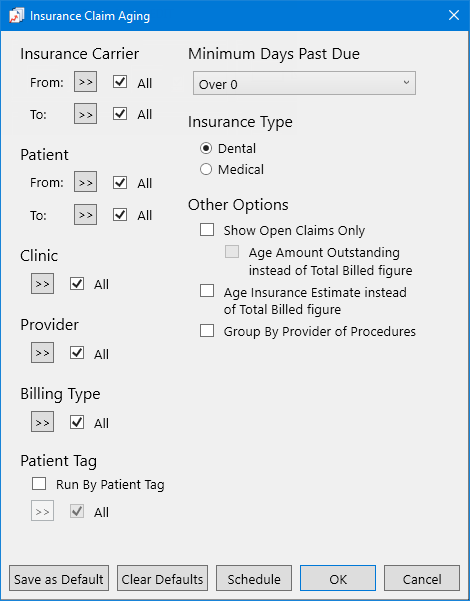
Set up the report options as needed.
Click Template.
The Create Report Filter Template dialog box appears.
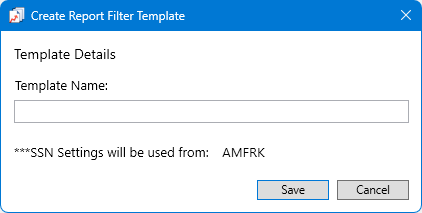
In the Template Name box, enter a name for the report template to help you identify it in the Manage Report Filter Templates dialog box.
Click Save.