Voiding claims
You can void a claim when a payer requests it (the claim is routed differently than with a normal deletion).
Note: Voiding claims requires the "Edit Insurance Claims" security right.
To void a claim
-
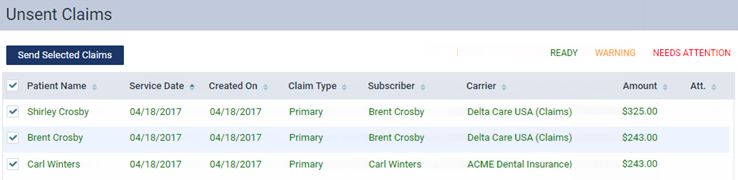
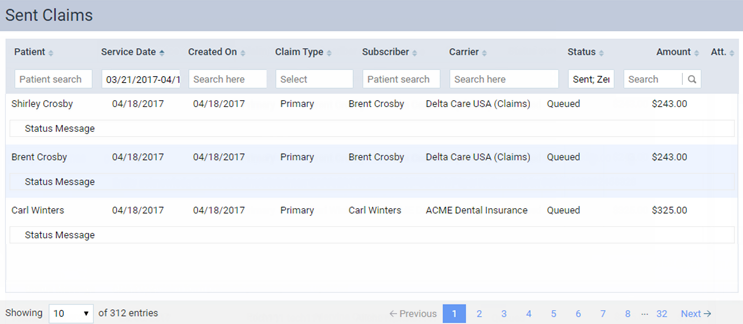
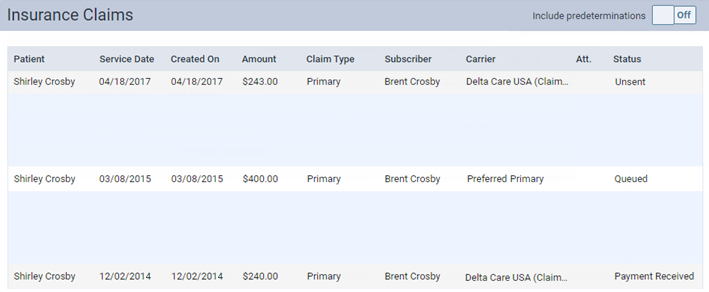
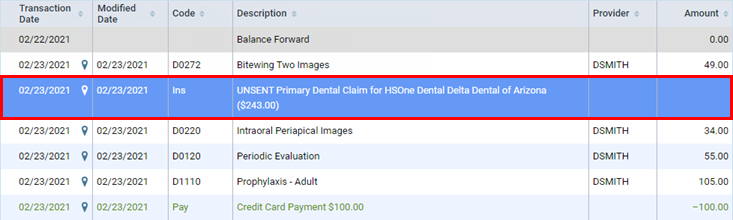
Click (or tap) a claim on one of the following pages:
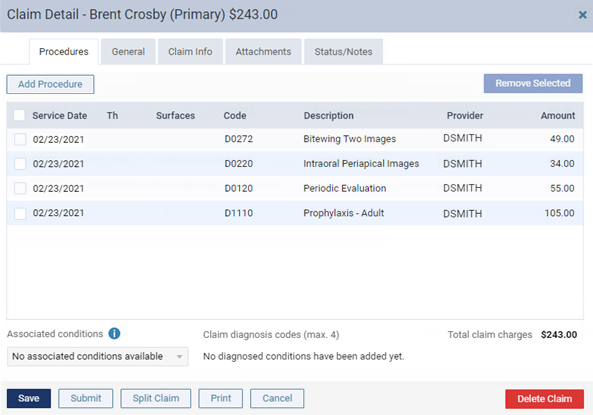
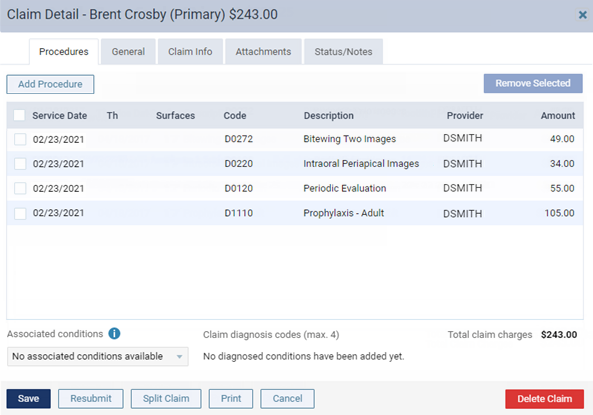
The Claim Detail dialog box appears (the appearance varies depending on the claim's status).
-
Unsent Claim:
-
Queued, Sent, Printed, Rejected, or Received Claim:
-
-
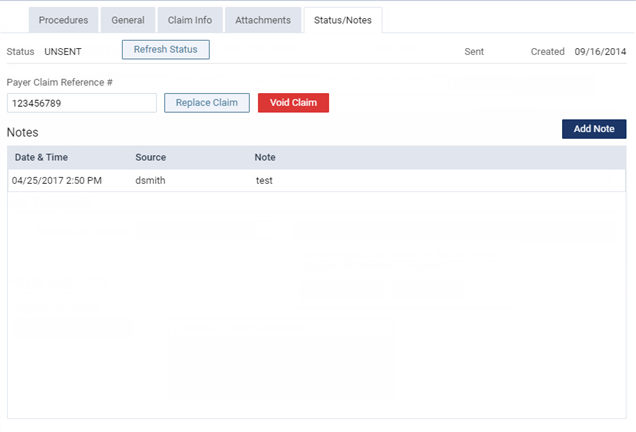
On the Status/Notes tab, locate the original reference number (it may be identified by a DCN) within the note text of an entry under Notes.
-
Copy and paste or type the reference number (from step 2) into the Payer Claim Reference # box.
-
Click (or tap) Void Claim.