Deleting claims
You can delete a claim as needed. Deleting a claim does not delete the procedures that are associated with the claim but does delete payments and adjustments that are associated with the claim.
Notes:
-
Deleting a claim requires the "Delete Insurance Claims" security right.
-
If payments are associated with a claim, deleting the claim requires the "Delete Payment" security right.
-
If charge adjustments are associated with a claim, deleting the claim requires the "Delete charge adjustment" security right.
-
If credit adjustments are associated with a claim, deleting the claim requires the "Delete credit adjustment" security right.
To delete a claim
-
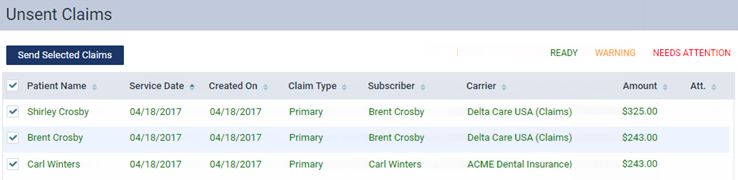
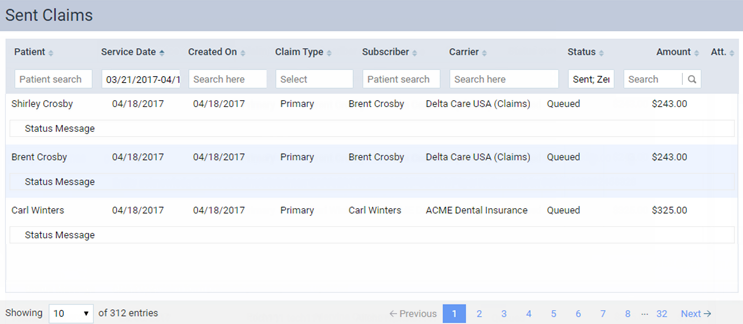
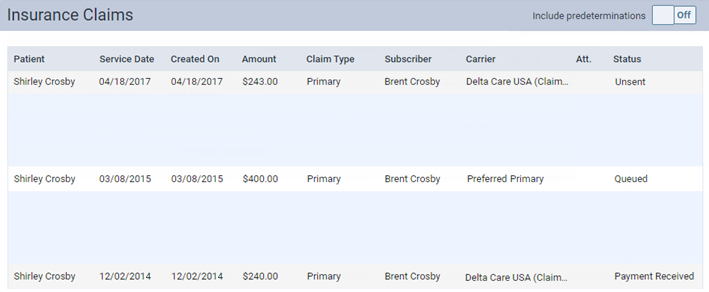
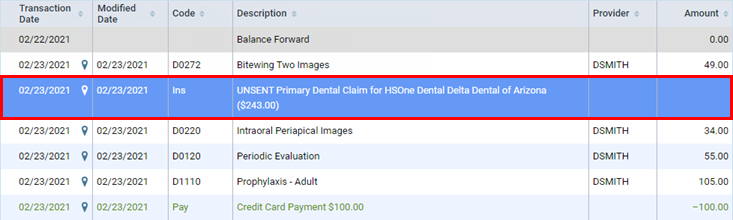
Click (or tap) a claim on one of the following pages:
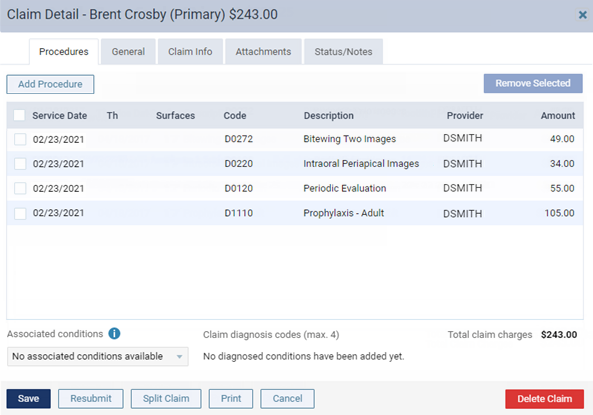
The Claim Detail dialog box appears.
-
Click (or tap) Delete Claim.
A confirmation message appears.
-
Click (or tap) Delete.