Changing the view options for a modality
If you are using the Modality view, you can change the view preferences for the Intraoral X-ray and Intraoral Color modalities.
To change the view options
-
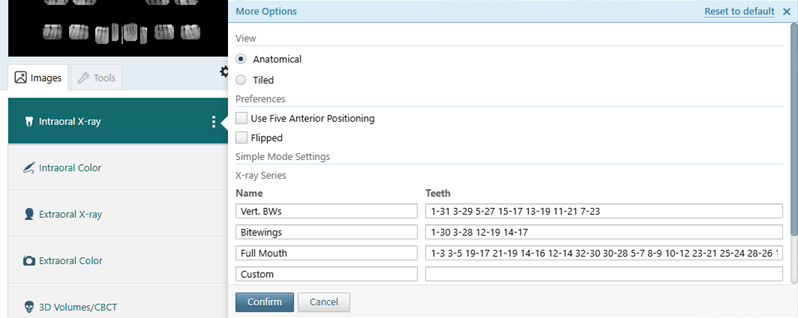
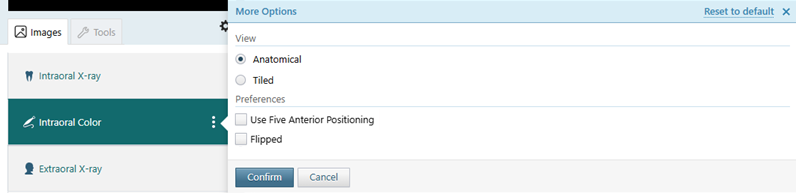
With the Intraoral X-ray or Intraoral Color tab selected, click (or tap) the More Options button (three vertical dots) to view the More Options menu.
-
Set up the following options as needed:
-
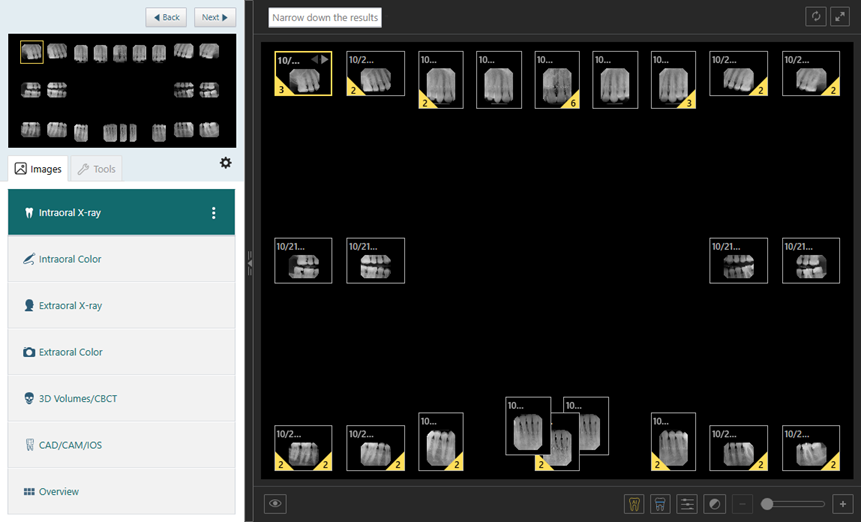
Anatomical - Displays images in an FMX 18 or FMX 21 layout, organized by tooth number.
With this option selected, specify the following Preferences:
-
Use Five Anterior Positioning - Based on clinical needs, select this checkbox to use a layout with five anterior image positioning, or clear this checkbox to use a layout with three anterior image positioning.
-
Flipped - To flip the layout for an alternative viewing preference, select this checkbox.
-
-
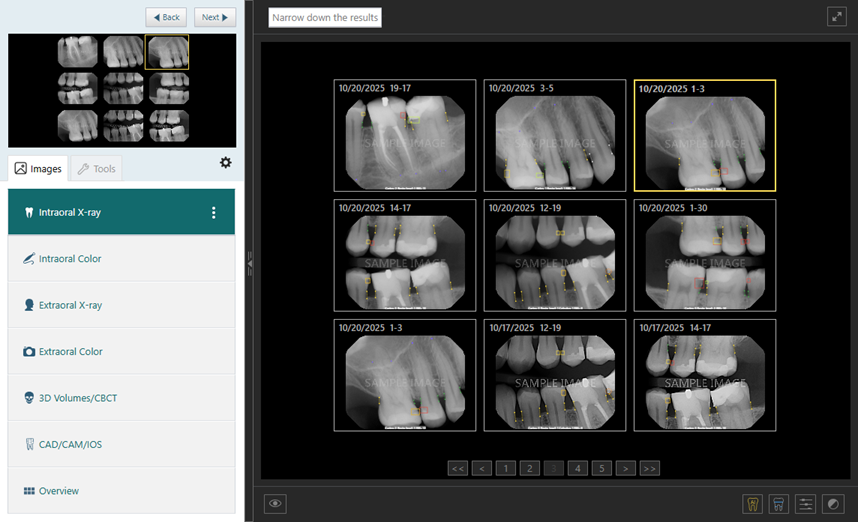
Tiled - Displays all images for a patient in chronological order with pagination.
Notes:
-
Regardless of which modality you accessed the menu from, changing an option affects both modalities.
-
Regardless of which modality you accessed the menu from, clicking (or tapping) the Reset to default link (in the upper-right corner of the menu) resets all the options (View, Preferences, and X-ray Series) to the system defaults.
-
-
Click (or tap) Confirm.
Anatomical view of intraoral X-rays using three anterior image positioning:
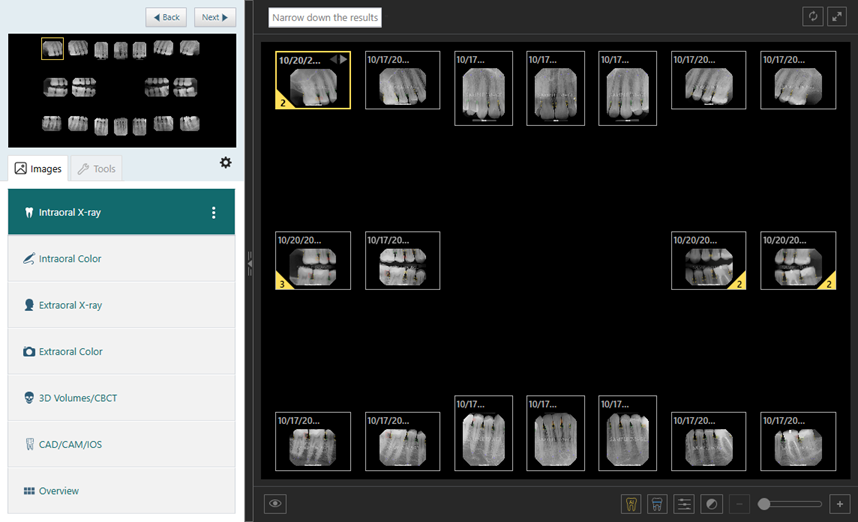
Anatomical view of intraoral X-rays using five anterior image positioning:
Tiled view of intraoral X-rays: