
You can change a patient's default provider when you schedule an appointment or when you are entering treatment in the Patient Chart.
To change a provider when scheduling an appointment
1. In the Appointment Book, double-click an available time.
The Select Patient dialog box appears.
2. Select the patient you want to schedule the appointment for.
The Appointment Information dialog box appears.
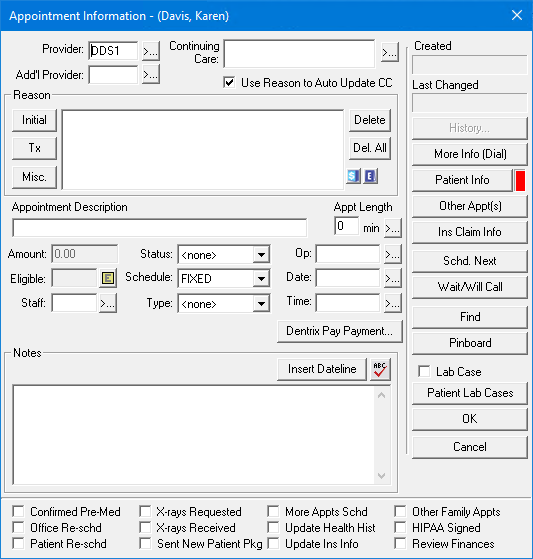
3. To change the provider, click the Provider search button.
The Select Provider dialog box appears.
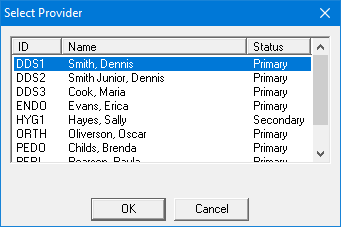
5. Select the provider you want to change to, and then click OK.
The new provider appears in the Appointment Information dialog box.