
Using Dentrix, you can quickly create and accurately track your patients' prescriptions. To set up and use prescriptions, you must first add the prescription types, and then set up a printer and customize the printer defaults. You can also add or edit prescription types.
To delete a prescription type
1. From any Dentrix module except the Office Manager, select a patient.
2. In the toolbar, click Prescriptions.
The Patient Prescriptions dialog box appears.
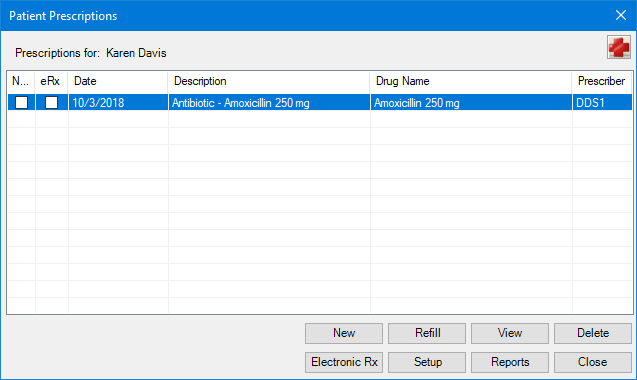
3. Select the prescription that you want to edit from the list, and then click Setup.
The Prescriptions Setup dialog box appears.

4. Select the prescription type that you want to delete from the list.
5. Click Delete.
The following warning appears.
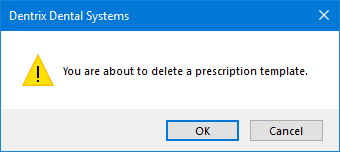
6. To delete the prescription type from the database, click OK.