
You can modify existing patient alerts.
To edit a patient alert
1. From any patient-specific Dentrix module, select the patient you want to create an alert for.
2. In the toolbar, click the Patient Alerts button.
The Patient Alerts dialog box appears.
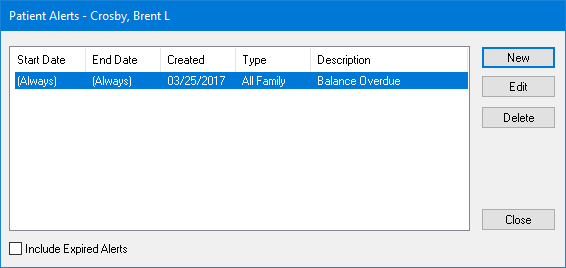
3. Select the alert that you want to edit and click Edit.
The Edit Patient Alert dialog box appears.
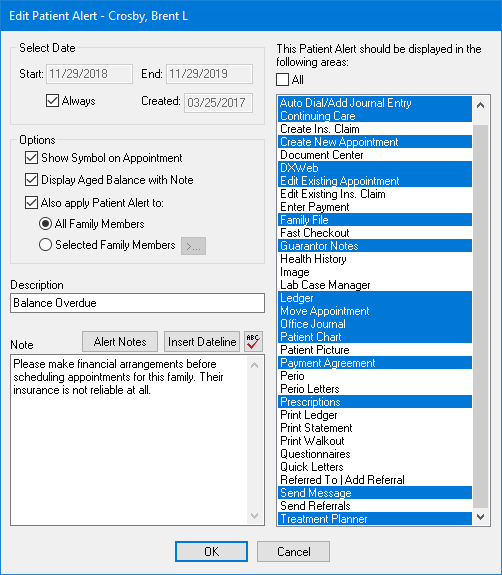
4. Edit any information you want to change for the alert.
5. To save your changes, click OK, and then click Close.