
Configuring provider information
You must configure information for each provider who will use ePrescribe.
To configure provider information
From the File menu, point to Providers, and then click Provider Table.
The Provider Table window appears.
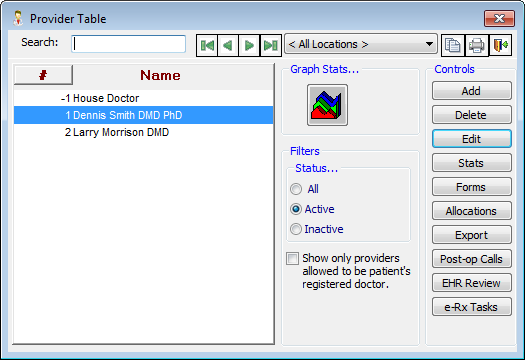
For each provider that will use ePrescribe, do the following:
Select a provider, and then click Edit.
The Edit Provider dialog box appears.
Verify that the following information is entered:
On the General tab:
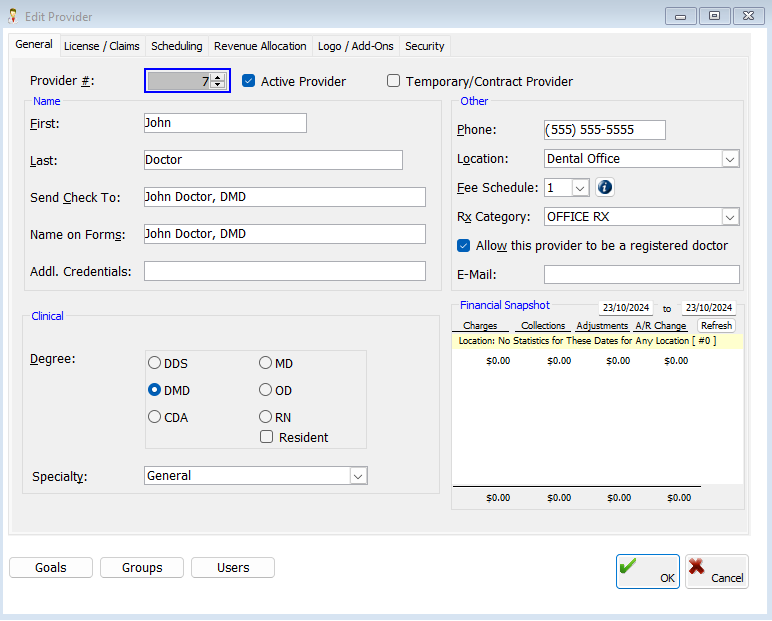
Name - The First and Last name.
Specialty.
Phone.
Location.
E-Mail.
Important: A provider you register for ePrescribe will receive an email confirmation of the registration at the E-Mail address entered.
On the License/Claims tab:
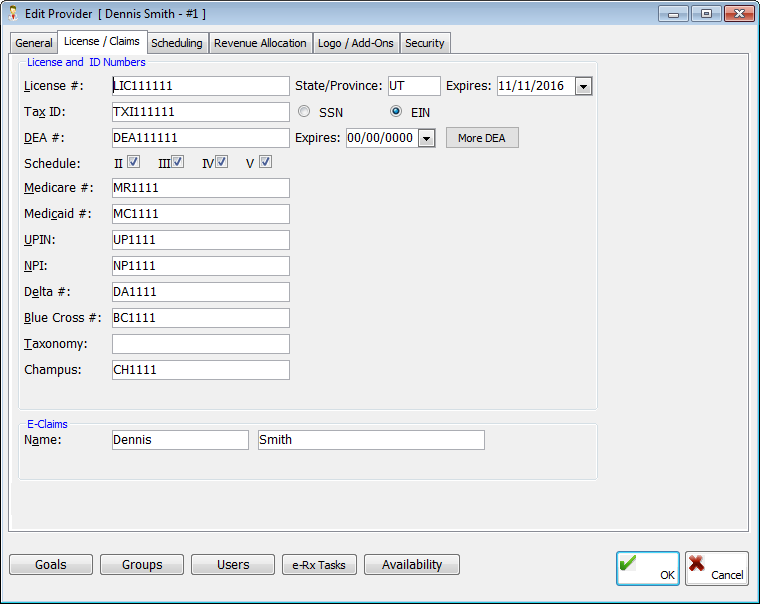
License #.
State/Province (for License #).
Expires (for License #).
DEA #.
Expires (for DEA #).
Schedule (for DEA #).
NPI.
Click OK.
* Complete the provider configuration before a trainer starts the training with your office.