
Configuring location information
You must configure information for each location that will use ePrescribe.
To configure location information
From the File menu, click Locations.
The Practice Locations Table window appears.
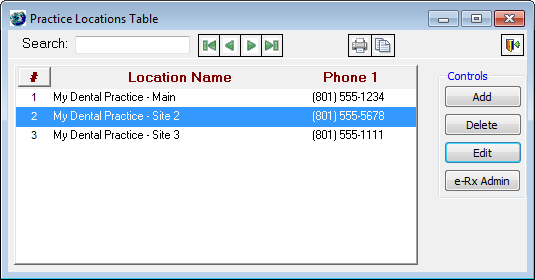
For each location that will use ePrescribe, do the following:
Select a location, and then click Edit.
The Edit Practice Location dialog box appears.
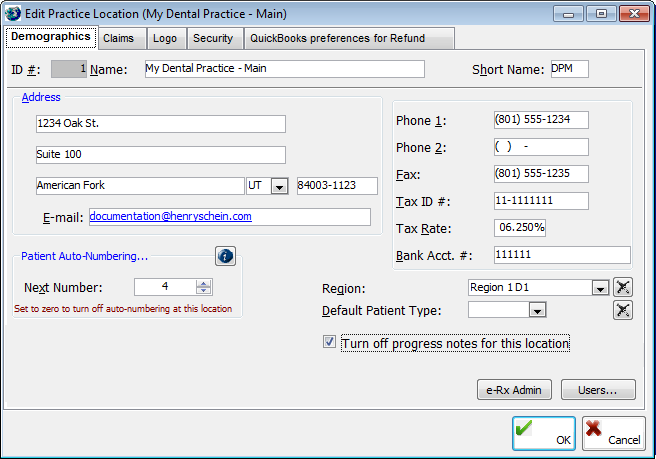
On the Demographics tab, verify that the following information is entered:
Name.
Address - The first line of the street address, second line of the street address (if applicable), city, state, and ZIP Code.
Phone 1 and Fax.
Click OK.
* Complete the location configuration before a trainer starts the training with your office.