
Assigning doctors to EHR treatment templates
You can assign specific doctors to certain EHR treatment templates so that, by default, only those templates are visible for the specified doctors.
To assign doctors to treatment templates
From the File menu, point to Codes and Lists > EHR Templates, and then click Treatment.
The Treatment Templates window appears.
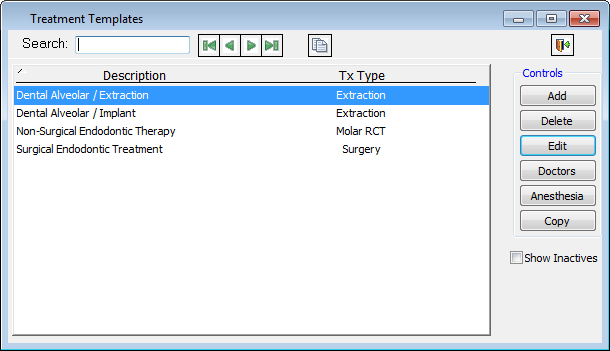
Select the template that you want to assign doctors to.
Click Doctors to display a menu, and then click Choose providers for this template.
The Include Providers for this Treatment Template dialog box appears.
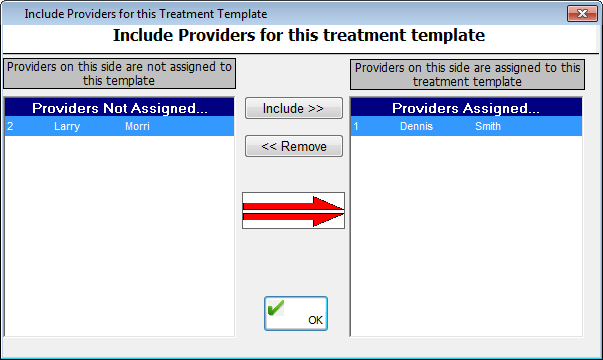
Select a provider in the Providers Not Assigned list box, and then click Add>>. Repeat as needed.
Click OK.
Need more help?
You can visit our website or contact OMSVision Customer Support.