Henry Schein ONE logo

Learning Network Quick Start Guide

Welcome to the quick start guide for the Henry Schein One Learning Network. In the Learning Network you will find self-paced training targeted to every member of your team. Individual learners should each create their own account.
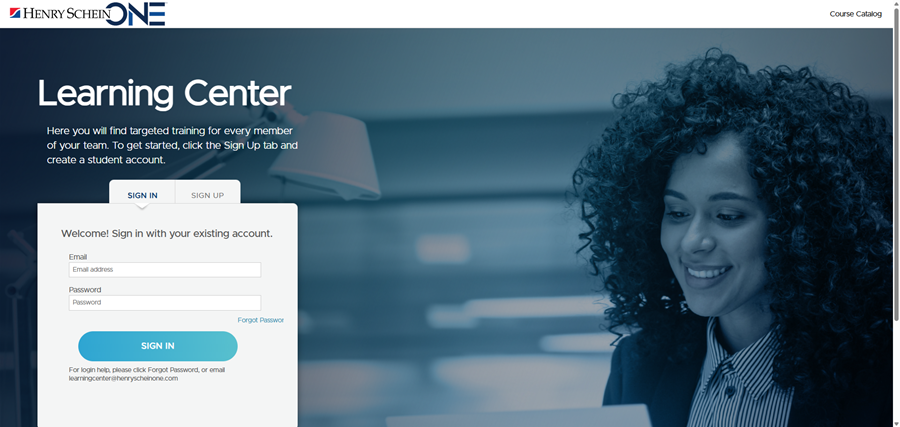
  1. To get started, open the Learning Network home page.

Image of the Learning Center Hero Banner

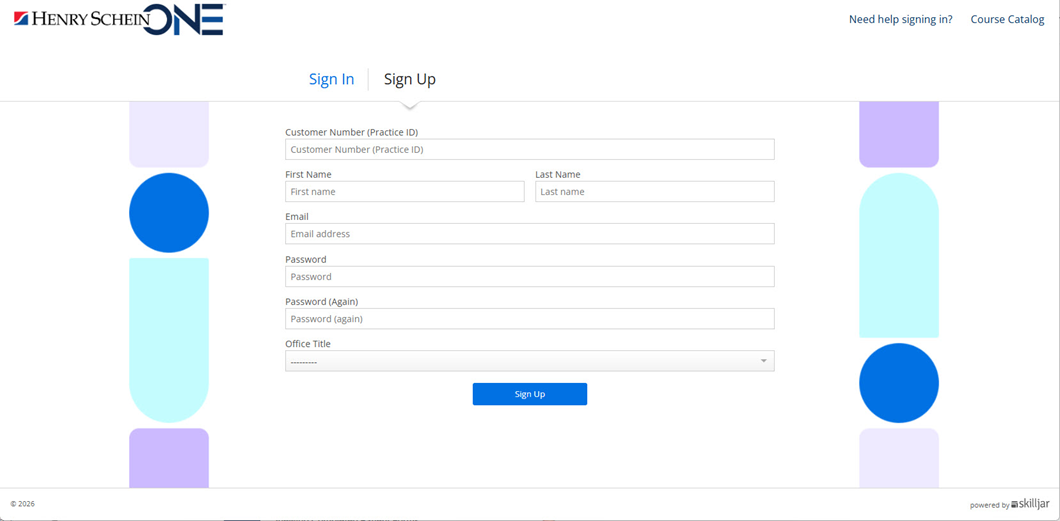
  1. Click the Sign Up tab to create an account.

Image of the Learning Network sign-in page

  1. Fill out the form and click Sign Up. Note the following:
    1. Where you find your Customer Number depends on your product. Find the appropriate instruction below.
    2. Your email address must be unique to you. An email used by everyone in the office will not work.

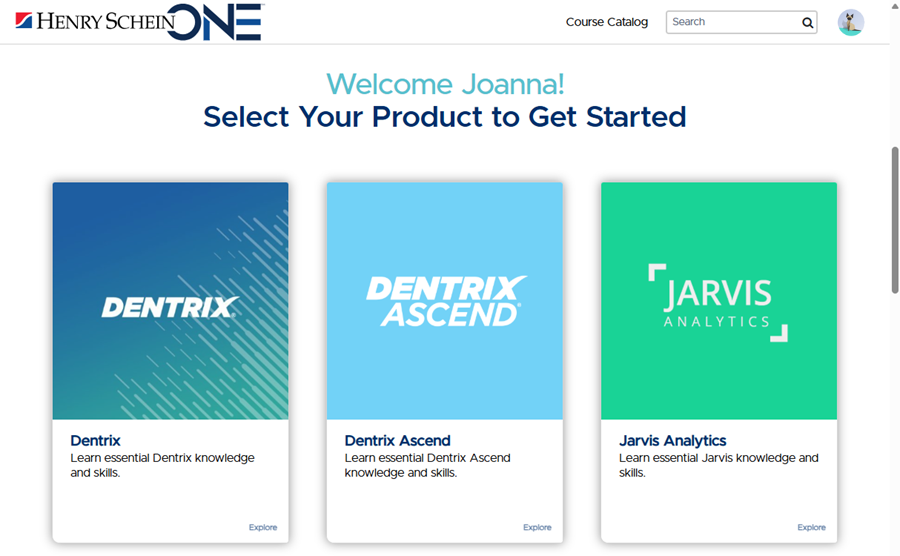
  1. Choose a learning path. Select your product to start, and then choose a course that applies to your role in the practice.

Image of the Learning Network home page after login


To find your customer number in Dentrix, from any module select Help > About Dentrix. Your customer number is next to the Dentrix logo:
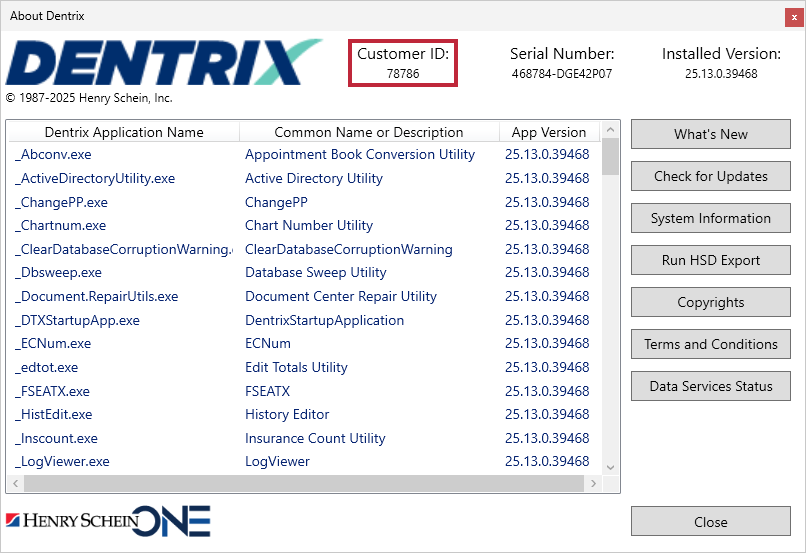
Dentrix customer number location

To find your customer number in Dentrix Ascend, click the dropdown next to your name and select My Account.
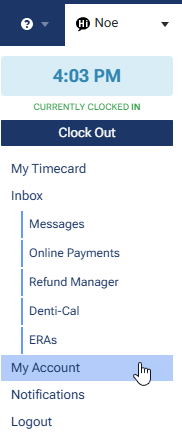
My Account menu dropdown

In the My Account page, your customer number is the Location Customer ID.
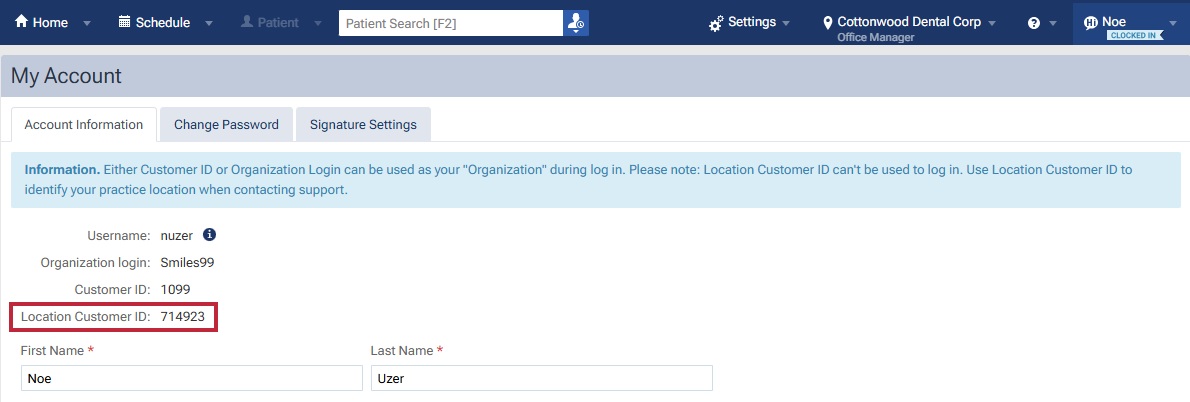
Dentrix Ascend customer number location

To find your customer number in Jarvis, contact your Jarvis admin.

Ask him or her to click their username and select Configuration.

Configuration menu dropdown

In the Configuration page, select the Advanced tab.

Configuration Advanced tab

In the Advanced tab, your customer number is the numerical portion of the number in the Salesforce Customer ID box.

Jarvis customer number location