
You can use the lists in the opportunities tables to contact your patients.
To contact a patient using the opportunities tables
1. Open Jarvis Analytics, and then click the Front Office tab.
The Schedule view appears.
2. Go to the opportunity tables of the Schedule view, and then click the tab corresponding to the desired table.
The desired table appears.
3. Click the More Info icon of the patient you want to contact.
The Patient Information page appears
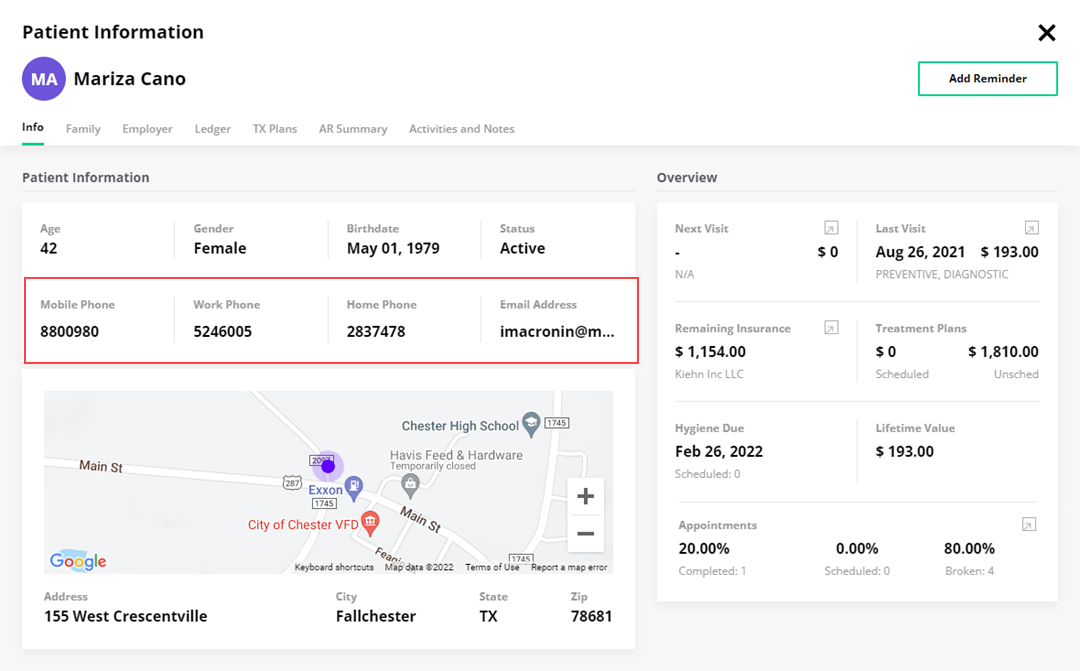
4. Contact the patient, close the Patient Information page, go to Action, click the 3 green dots, and then select the outcome of your contact.
5. To create a reminder for the follow-up, open the Patient Information page, and then click Add Reminder.