
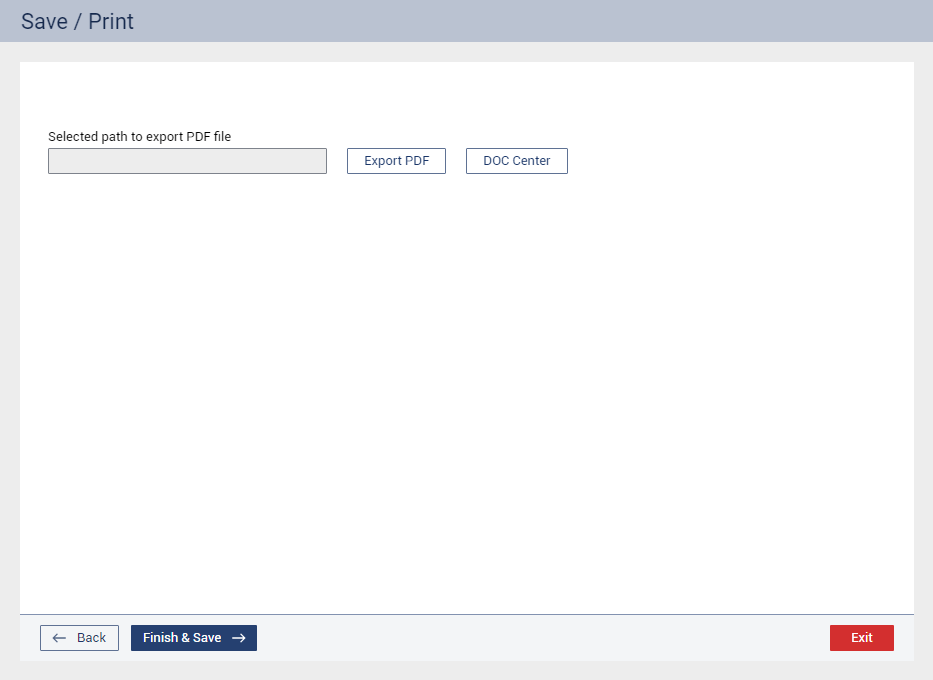
Complete the following steps:
Do any of the following:
To save a copy of the assessment as a .pdf file, click Export PDF, and then select the folder where you want to save it.
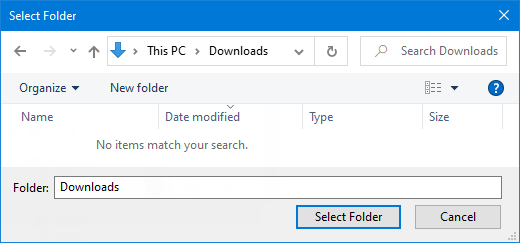
Note: The name of the file consists of the patient’s last name, the patient’s first name, and the date of the assessment (in a YYYY/MM/DD format).
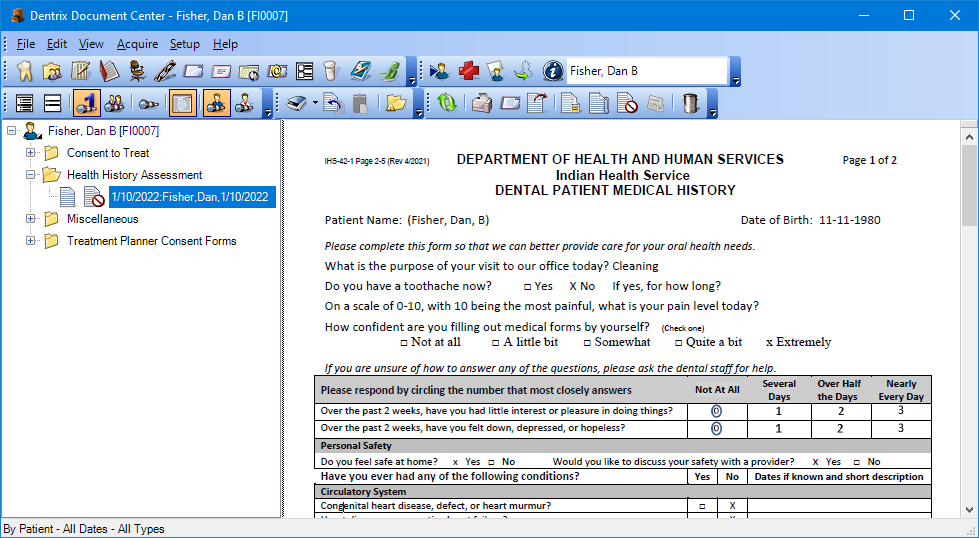
To attach a copy of the assessment as a .pdf file to the patient’s Document Center record, click Doc Center.
Notes:
The Document Type Template that is used for importing the document is the Patient Health History.
The document’s default Document Type is Health History Assessment.
The document’s default Description consists of the patient’s last name, the patient’s first name, and the date of the assessment (in a MM/DD/YYYY format).
Click Finish & Save.