
To create a clinical note for a patient, do the following:
In Chart, click the Clinical
Notes button  .
.
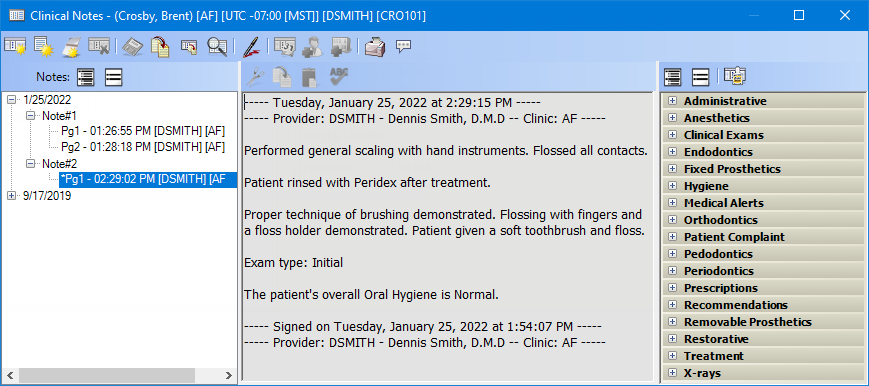
Click the New
Clinical Note button  , and then create
the note by entering text and/or inserting text from a template.
, and then create
the note by entering text and/or inserting text from a template.
Note: A signature
is not required for the note to count toward the measure. To sign the
clinical note, click the Sign Clinical
Note button  on the toolbar, enter your
credentials, sign, and then click OK.
on the toolbar, enter your
credentials, sign, and then click OK.