
You can remove all the Dentrix Enterprise services that were installed previously on the database server. This does not affect the Dentrix database or the SQL instance that houses the database.
To uninstall the Dentrix Enterprise server features
Do one of the following:
In Apps & features of Windows Settings, select Dentrix Enterprise Server, click Uninstall, and then click Uninstall on the pop-up message.
Double-click the setup file (EnterpriseServer-xx.xx.xx.xxx.exe; where "xx.xx.xx.xxx" represents the version number). The Welcome screen appears. Select the Remove option, and then click Next.
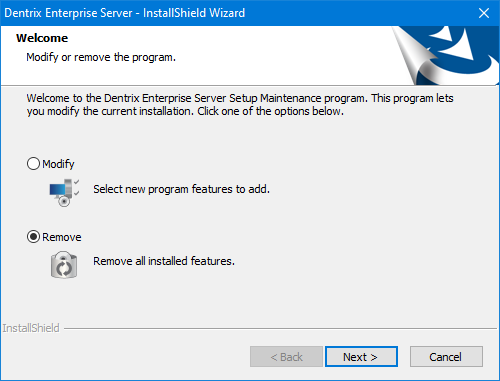
Click Yes on the confirmation message that appears.

When the uninstallation of the services is complete, the InstallShield Wizard Completed screen appears.
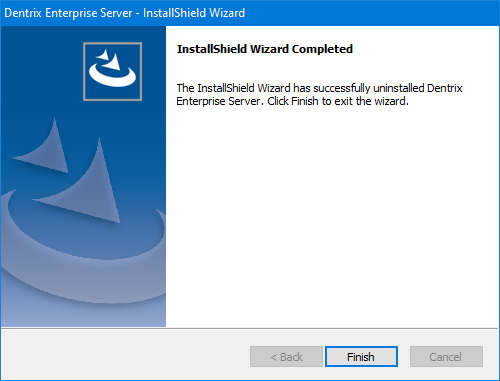
Click Finish.