
To print a Quick Label, you must first set up a Quick Label printer.
To set up a Quick Label printer
1. From any Dentrix module (except the Office Manager), select a patient.
2. Click the Quick Labels button on the module's toolbar.
The Quick Labels dialog box appears.
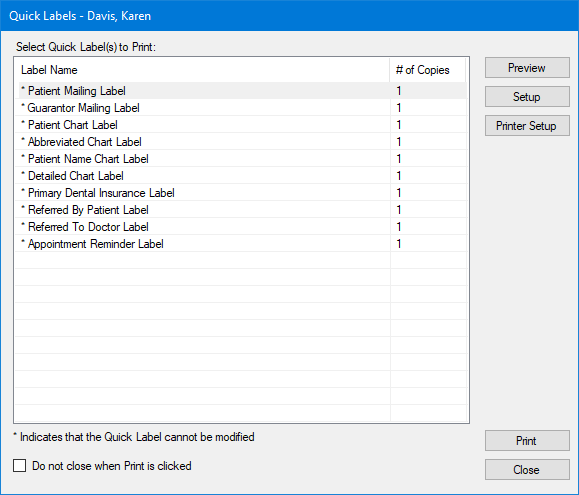
3. Click Printer Setup.
The Printer Setup dialog box appears.

4. Click the appropriate printer, and then click OK.