
If you have enabled passwords, you can now log out of and close all of the Dentrix modules you have open at the same time instead of having to close each module separately.
To log out of Dentrix and close all open modules simultaneously
1. In any open Dentrix module, click the logged in user’s name, and then click Log Out & Close Dentrix.
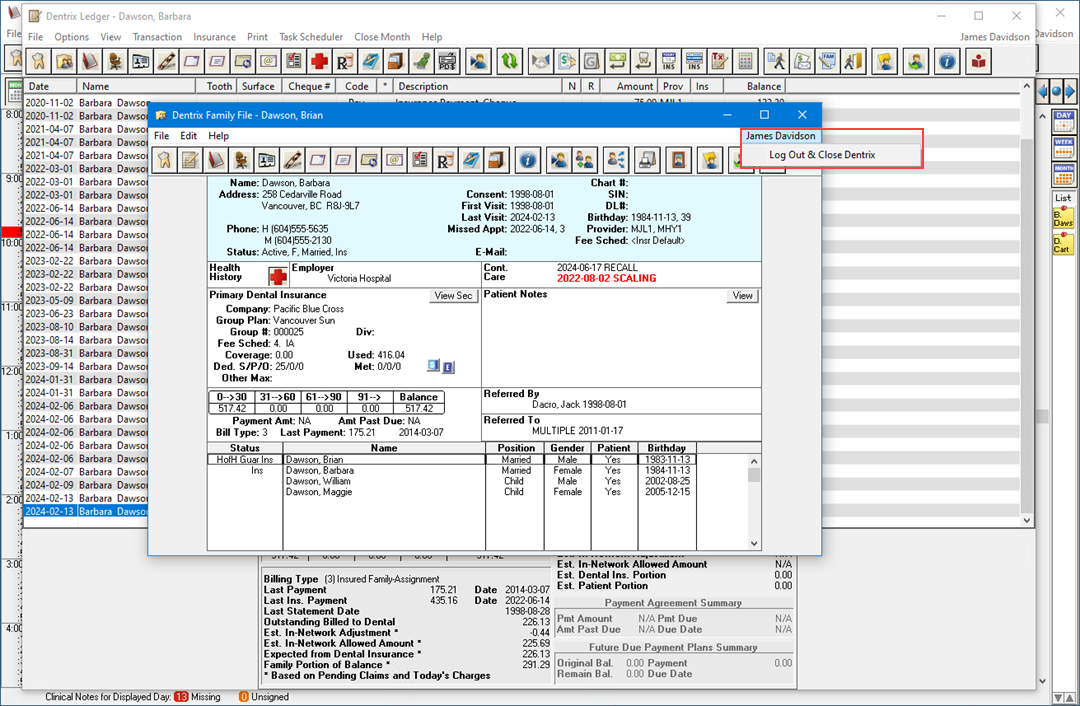
2. If, for example, one or more appointments is scheduled for a day prior to the current date, a notification dialog box appears.
Note: The text of the notification dialog box will differ depending on what issue needs to be addressed.
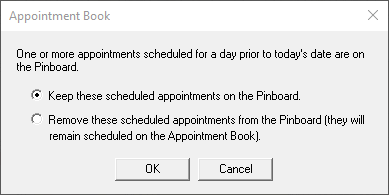
3. If necessary, select the appropriate option, and then click OK.
All open Dentrix modules close.