
Details of the referral are automatically added to the patient's Clinical Notes.
To view a patient's DDX referral in the Clinical Notes panel
1. Open the Patient Chart.
2. Select the patient whose DDX referral you want to view.
3. In the menu, click View, point to Panels, and then click Clinical Notes.
The Clinical Notes panel appears.
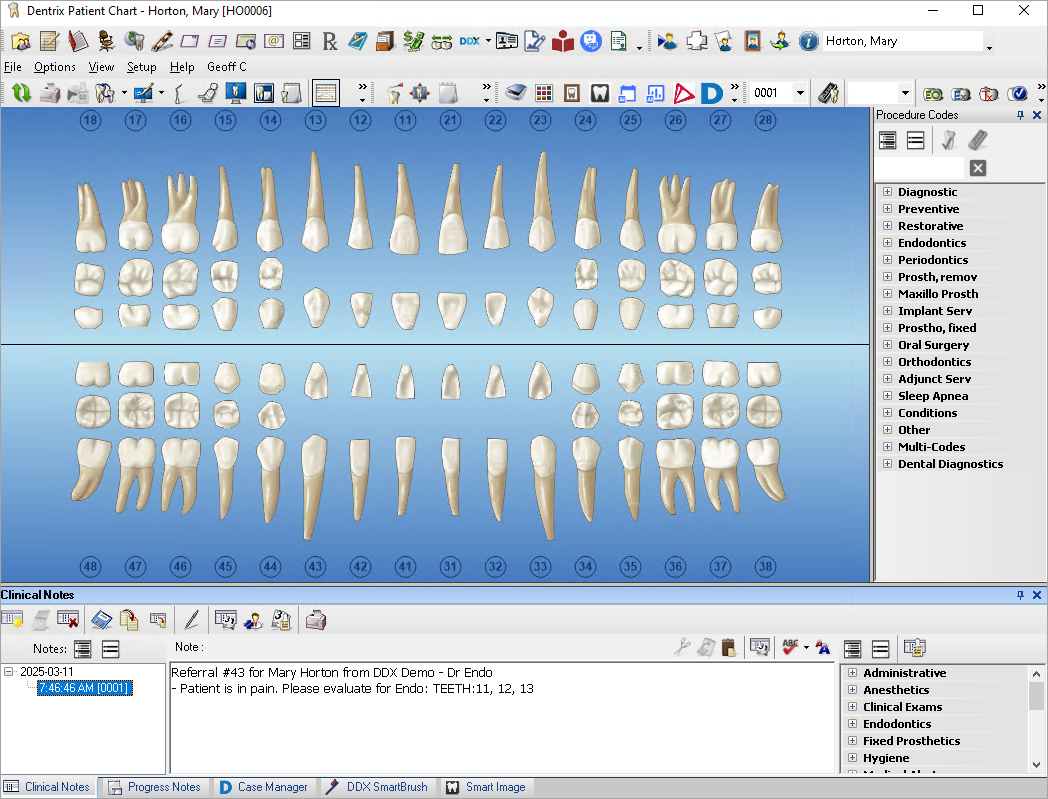
4. Click the DDX referral you want to view.