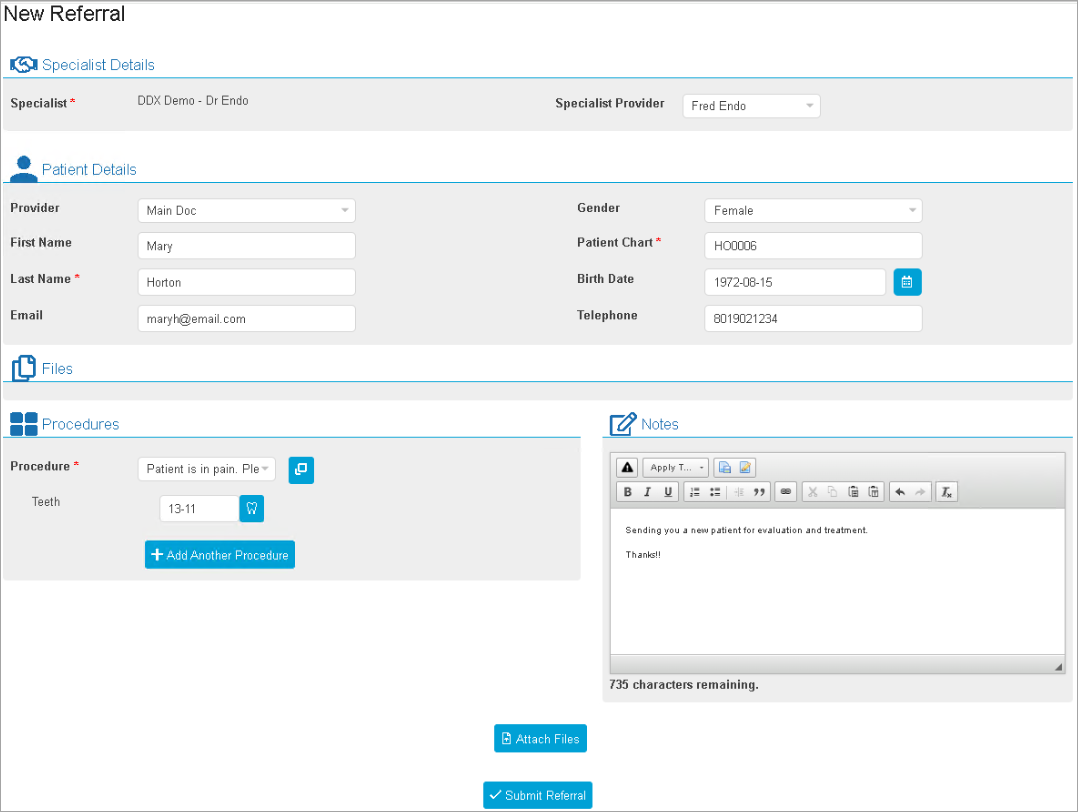
You can use DDX Referrals to refer a patient to a dental specialist.
To send a DDX referral
1. Open the Patient Chart, and then select the desired patient.
2. Open the Case Manager panel.
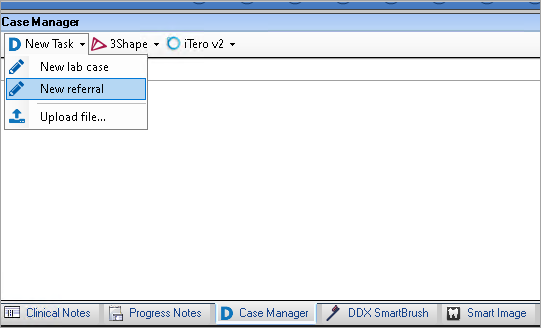
3. Click New Task, and then click New Referral.
Your browser opens the DDX website.
4. If prompted, enter your login credentials.
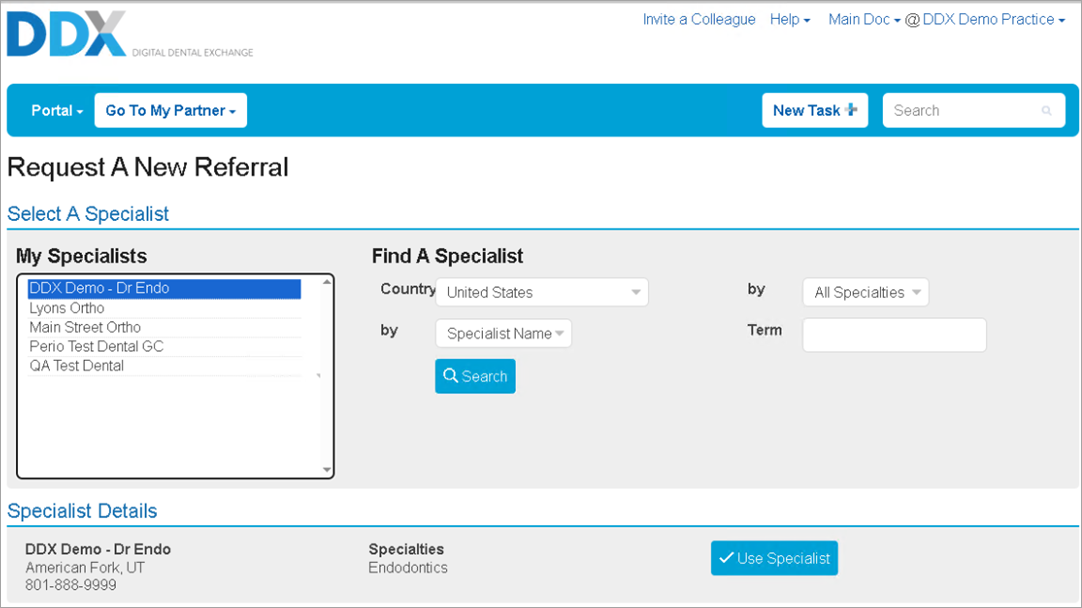
5. From the My Specialists list, select the desired specialist, and then click Use Specialist.
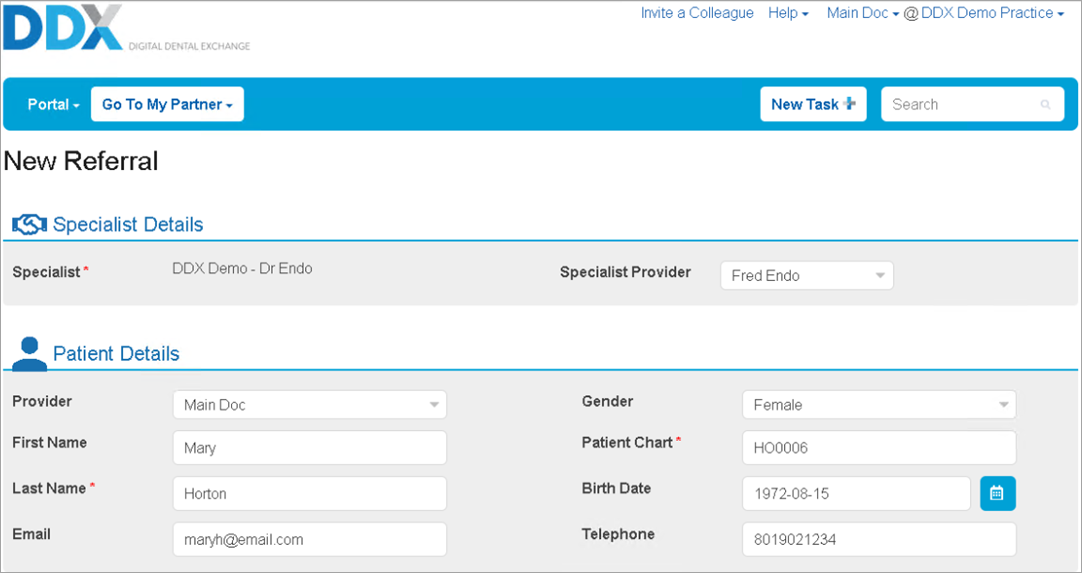
Dentrix enters the patient's details on the DDX referral form automatically.
6. Select the Procedure that corresponds to the treatment you are requesting.
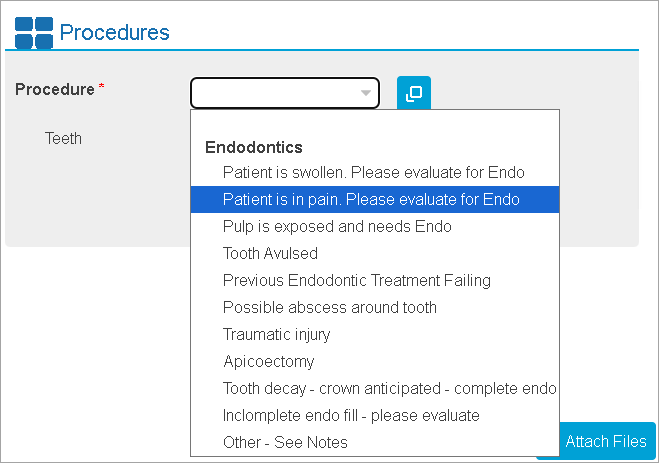
7. Complete one or more of the following optional tasks:
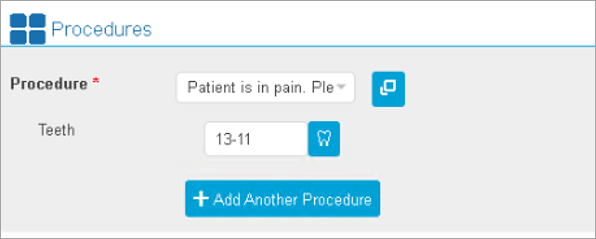
Specify the affected tooth or teeth and/or arches.
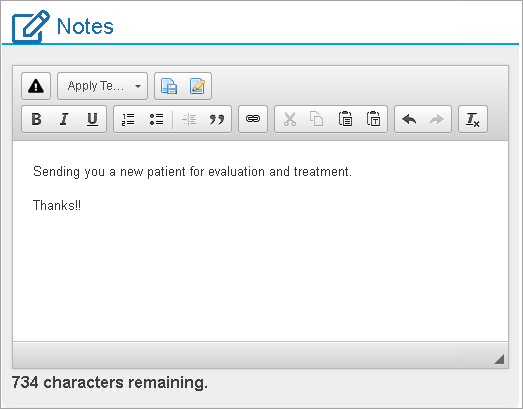
Create a note.
Click Attach Files, and then click Select Files to Add to attach any digital files you want to send.
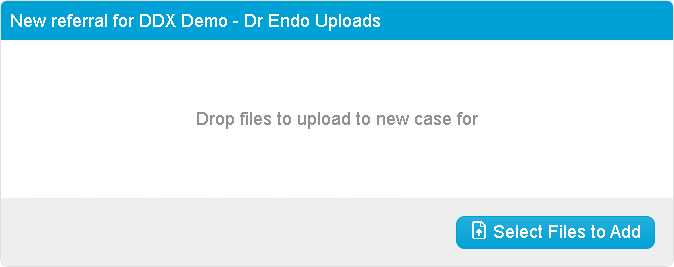
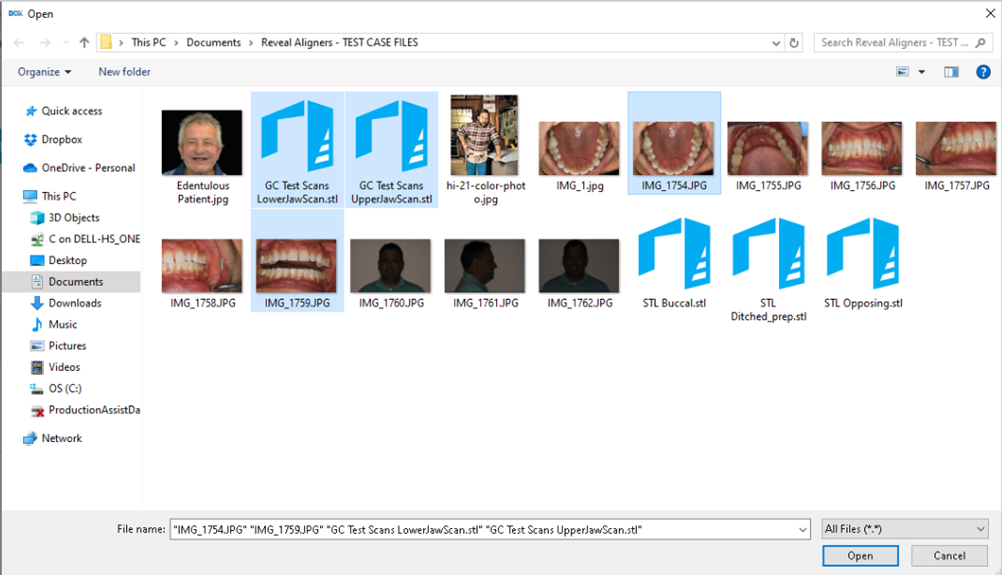
8. Select the files you want to add, and then click Submit Referral.
The referral is sent digitally to the selected specialist.