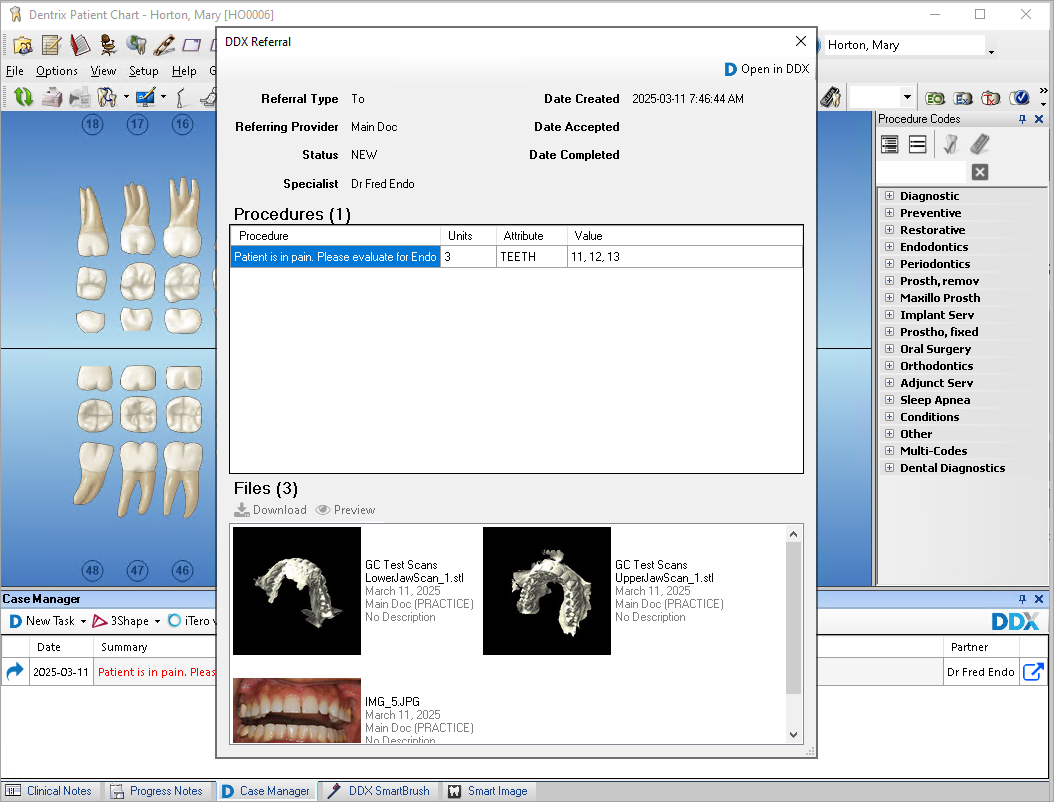
You can review the patient's referral summary for additional information about the referral.
To review a patient's referral summary
1. Open the Patient Chart.
2. Select the patient whose DDX referral summary you want to view.
3. Click the Case Manager tab, and then click the desired DDX referral summary.
The DDX Referral summary appears.