
In the DDX portal, you can review and manage your referrals.
To manage referrals in the DDX portal
1. To open the DDX portal, click https://ddxdental.com.
The portal opens.
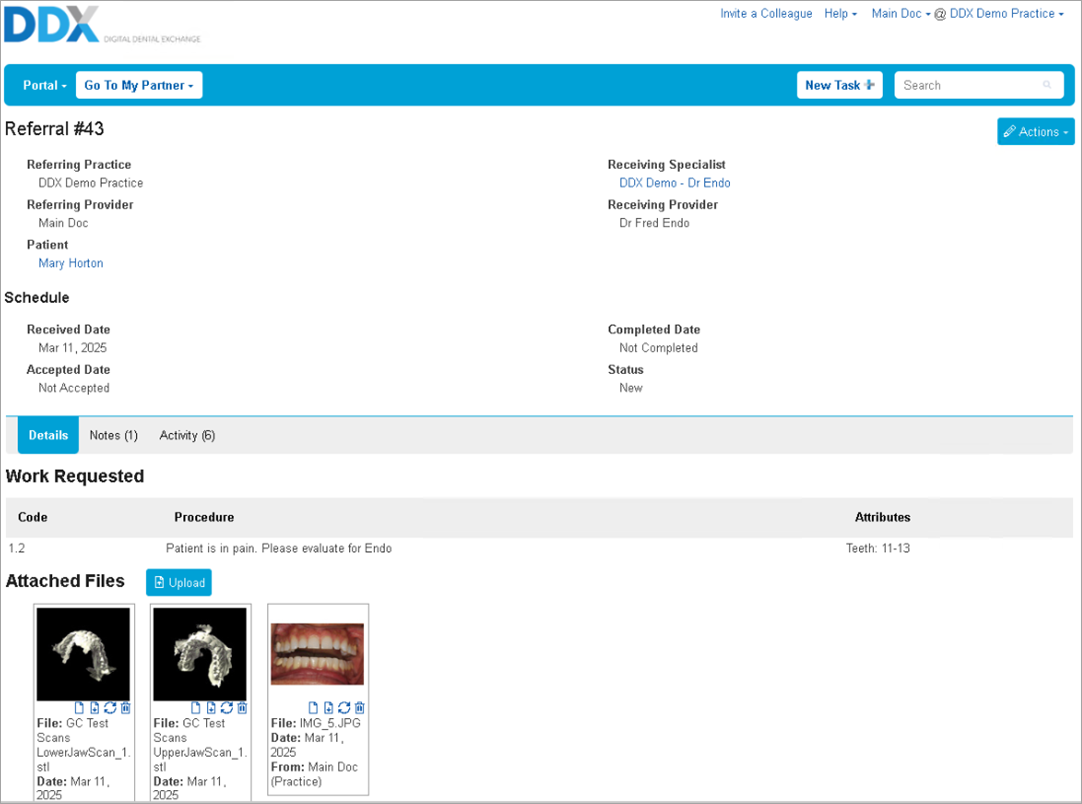
2. Click the Actions button.
The Actions list appears.
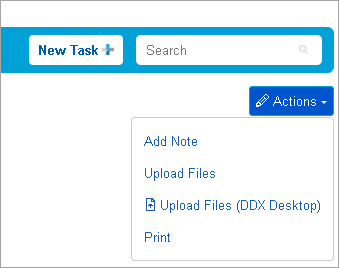
Add Note – When you add a new note to the referral, the dental specialist receives a notification.
Upload Files – Add or upload digital files from your computer to the referral to share with the dental specialist.
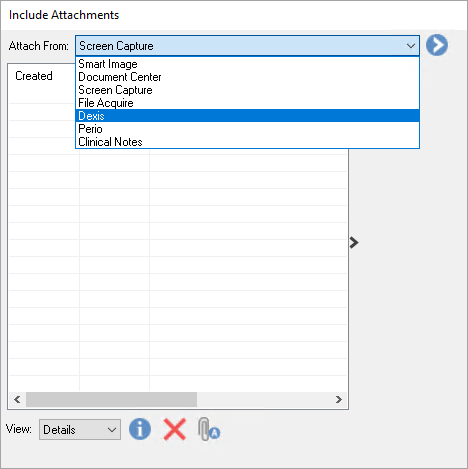
Upload Files (DDX Desktop) – Add or upload digital files from Dentrix to the referral to share with the dental specialist.
Print – Click to print a copy of the referral.