
You can print the Continuing Care list for your records or to use while making phone calls.
To print the Continuing Care list
1. From the File menu in the Appointment Book, click Continuing Care.
The Continuing Care window appears.
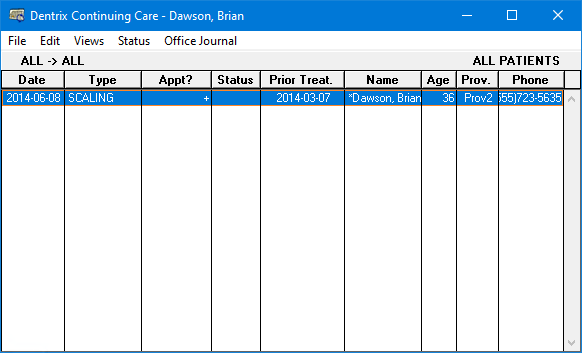
2. From the Views menu, click the view that you want to print.
3. From the File menu, click Print.