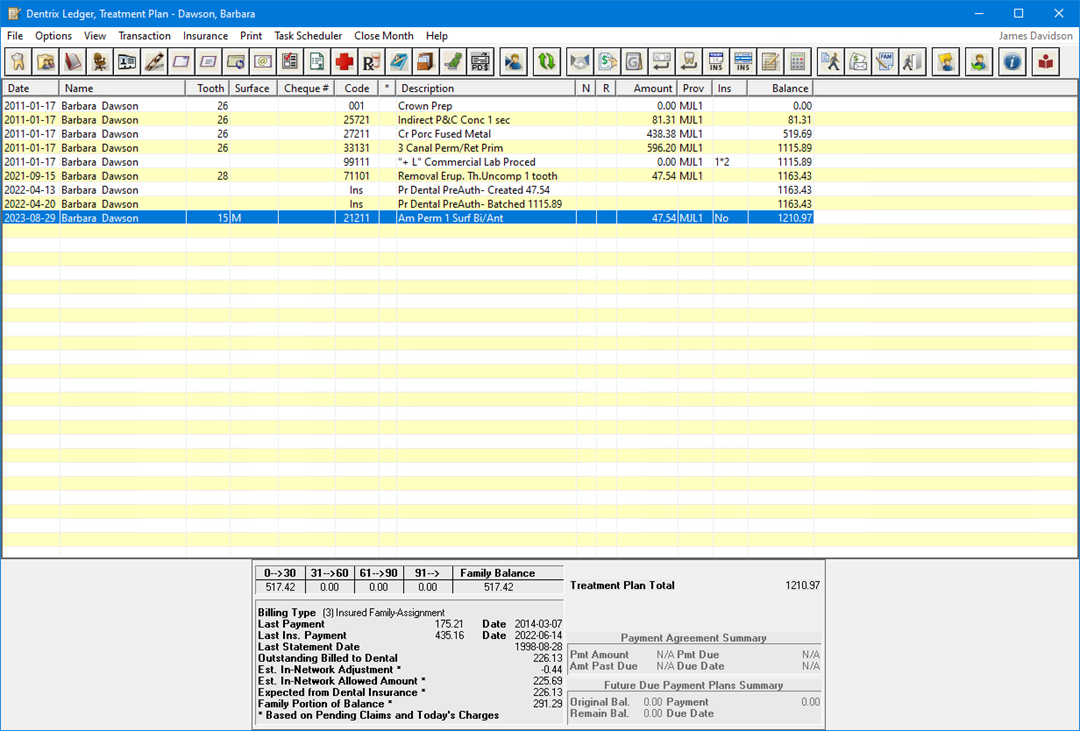
When you work with treatment plans, you can change Ledger's view option to display the Treatment Plan view.
To switch to the Treatment Plan view
With a patient selected in the Ledger, from the Options menu, click Treatment Plan.
Notice that the Ledger title bar now reflects that you are in the Treatment Plan view.
Tip: Using Dentrix, you can assign a different background colour to the Treatment Plan view, making it easy to distinguish between the Ledger and Treatment Plan views.