
You can send electronic EOBs to the Document Center.
To send an electronic EOB to the Document Center
1. In the Ledger's transaction log, double-click the electronic claim that you want to send to the Document Center.
The Primary Dental Insurance Claim window appears.
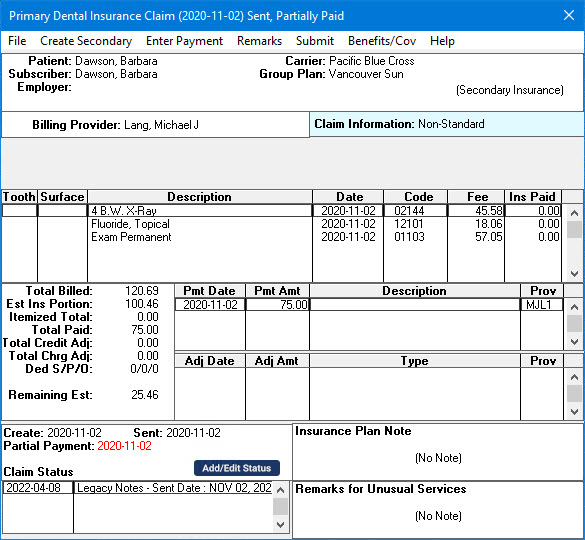
2. Click Submit.
The Submit Claim dialog box appears.
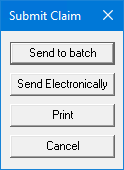
3. Click Send Electronically.
A message from CDANet appears, and the Document Center opens listing the Explanation of Benefits.
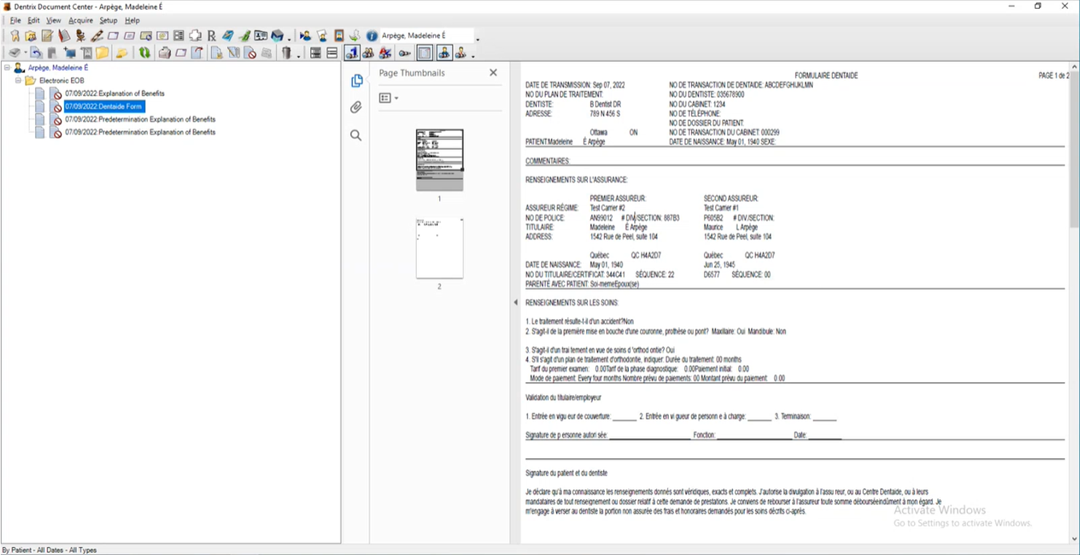
4. To view the details of the EOB, select it.