
Only unsigned consent forms can be edited from the patient’s Document Center. The patient or provider can sign the consent form from the Document Center.
To sign a consent form
1. Select the consent form in the Document Tree.
Note: The consent form appears in the Preview pane.
2. In the Document Center, from the Edit menu, click Modify Document.
The consent form's fields that you can edit activate.
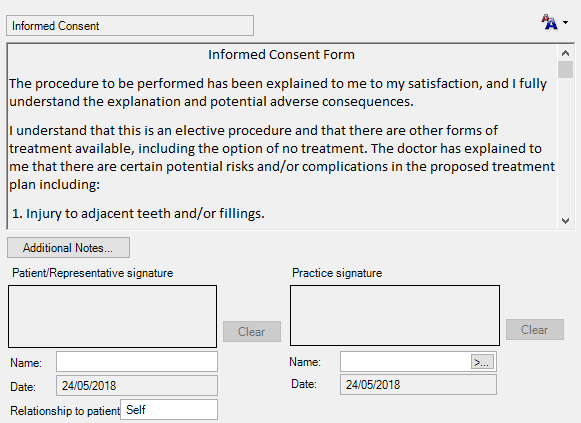
3. Type the name of the patient or provider in the appropriate Name field.
4. Using a mouse or a light pen, sign the consent form in the Patient/Representative or Practice signature box.
5. To save the signature, in the Document Center, from the Edit menu, click Modify Document.