
Once you have installed the Carestream RVG sensor, your sensor is ready to test.
To test the Carestream RVG sensor
1. Open Dentrix Imaging, and then click the Acquire tab.
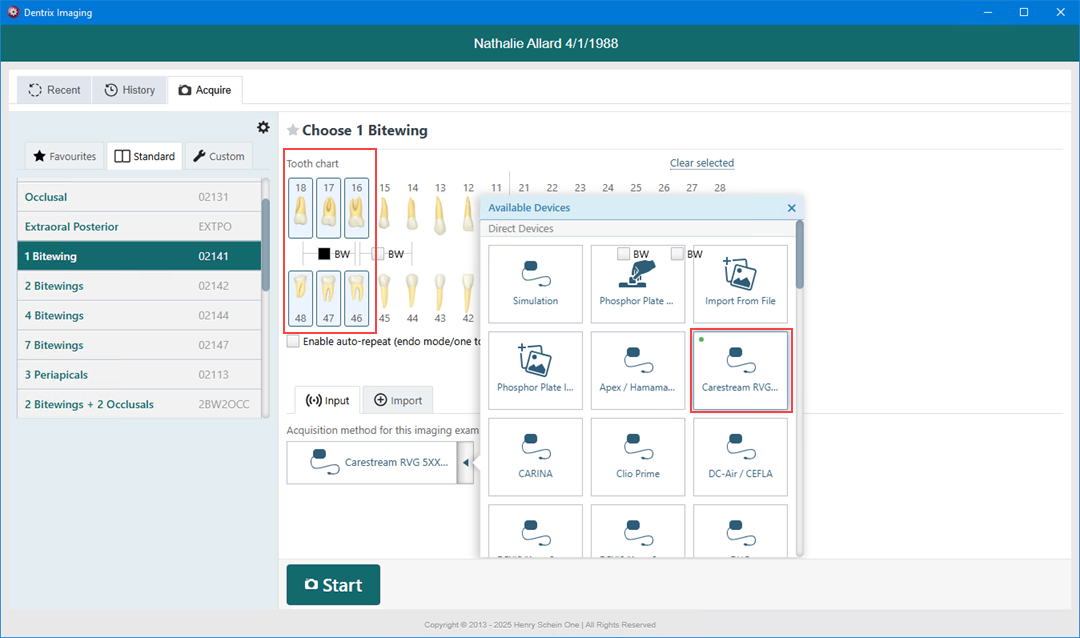
2. In the Standard list, click 1 Bitewing.
3. In the Tooth chart, click the teeth you want to image.
4. In the Acquisition method for this imaging exam list, click Carestream RVG 5XXX/6XXX, and then click Start.
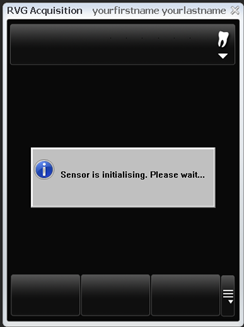
· The Carestream RVG window appears with a message reading "Sensor Initializing."
· The correction files are copied from the server. This will happen only once.
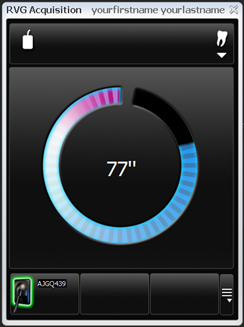
· After the files are copied, the sensor arms, and a 90-second countdown begins.
· You are expected to acquire an image within the countdown.
Important: The Carestream RVG direct integration receives images that are already filtered using a Kodak/Carestream X-ray filter. Before acquiring images from the RVG sensor, set the imaging filters to "Not Enhanced" for each type of procedure.
5. Click Finish Acquisition.