
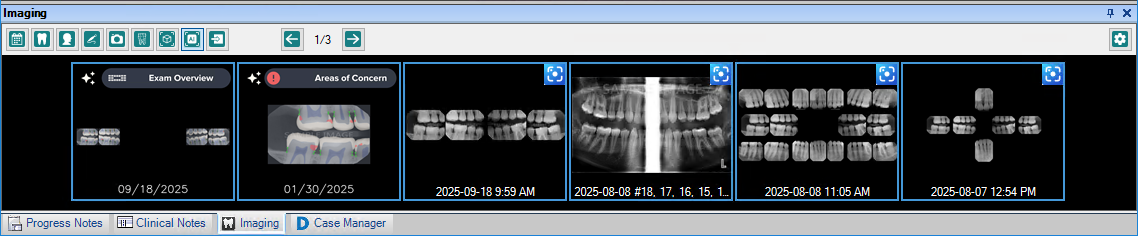
By default, the images you have taken appear as thumbnails in the Smart Image panel. If you have closed the Smart Image panel, you can re-open it from the Smart Image toolbar.
To view thumbnails of all images
1. In the Imaging toolbar, click the Show Thumbnails of All Images icon  .
.
The Imaging tab and panel appear in the Patient Chart.
2. To close the Imaging panel, click the Close icon (x) in the upper-right corner of the panel.