
When you create or change a Patient Chart layout, any user can save, edit, and use that layout.
To edit a saved layout
1. In the View menu in the Patient Chart, point to Chart Layout, and then click Manage Layouts.
The Manage Saved Layouts dialog box appears.
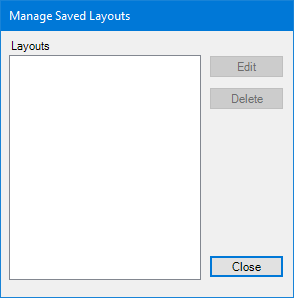
2. Click the layout that you want to edit.
3. Click Edit.
The Edit: “Layout Name” dialog box appears.
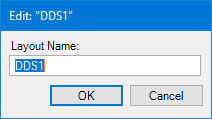
4. Type a new name for the layout, and then click OK.
Dentrix changes the layout's name.