Opening or closing the routing panel
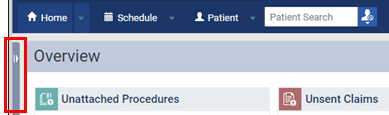
The routing panel is available at all times while you are logged in to Dentrix Ascend. To open or close the panel, click (or tap) anywhere on the thin, vertical bar on the left side of your browser window.
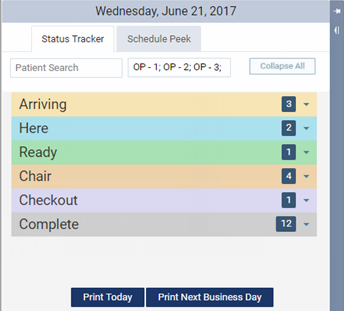
While the panel is open, you can pin and unpin the panel:
-
If the panel is open and unpinned (it is open over any content on the page), to pin the panel so that it opens next to any content on the page, click (or tap) the left-pointing pin icon
 .
. -
If the panel is open and pinned (it is open next to any content on the page), to unpin the panel so that it opens over any content on the page, click (or tap) the down-pointing pin icon
 .
.
Note: Pinning and unpinning is allowed only if the viewing area of your browser is at least 1482 pixels wide (which requires a screen resolution with at least 1500 horizontal pixels), assuming the browser's zoom is set at 100%.