
In eDex, you can locate a patient's next appointment and open the Appointment Book to that appointment. You can also change the appointment's status from eDex instead of changing it from the Appointment Book.
To locate a patient's next appointment
1. Select a patient from the eDex Contact List.
2. Click the Open Appointment Book to appointment button.
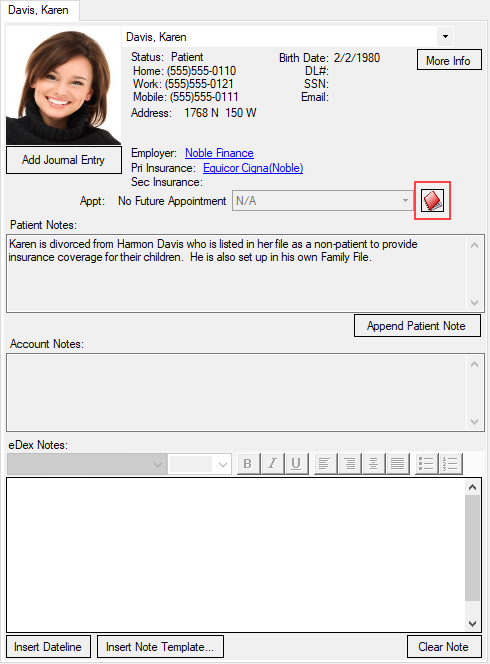
3. To change the appointment's status, click the down arrow and select the appropriate status from the list:
?????? Not Confirmed
FIRM Appointment Confirmed
FIRM-E Appt Confirmed by Email
EMER Emergency Patient
HERE Patient has Arrived
READY Ready for Operatory
LMM Left Message Machine
LMP Left Message Person
MULTI Multi-Appointment
NOFLEX Not Flexible
4. In the Appointment Book, make any necessary changes to the appointment.