
You can create and edit note templates to make creating patient notes easier and more efficient.
To edit a note template
1. In the Contact Details pane, click Insert Note Template.
The Select Note Template dialog box appears.
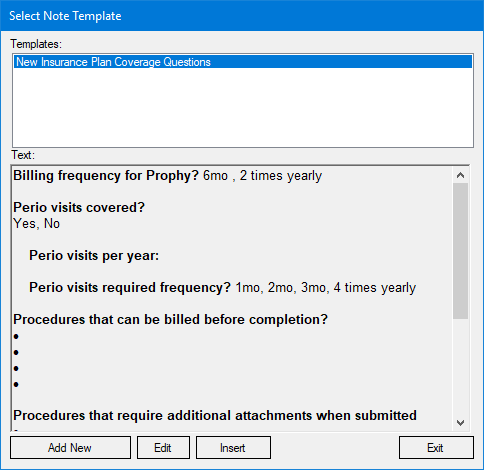
2. Select a template from the list, and then click Edit.
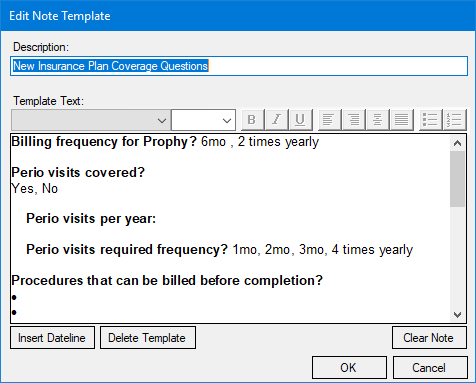
The Edit Note Template dialog box appears.
3. Use one or more of the following options:
Insert Dateline - Click to insert a date.
Template Text - Edit the text as appropriate. Use the toolbar to format the text and to create bulleted and numbered lists.
Delete Template - Click to delete the template.
Clear Note - Click to clear the note.
4. Click OK.