
By default, you cannot triple-book a provider. However, you can use the following procedure to override the Dentrix safeguard.
To triple-book a provider
2. Click the Appt Length search button.
The Appointment Time Pattern dialog box appears.
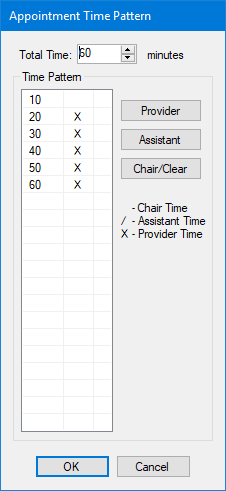
3. Select each Time Pattern unit, and then click Chair/Clear.
The empty Time Pattern units represent chair time.
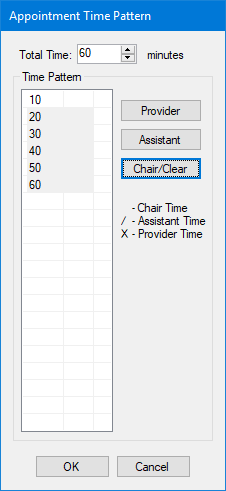
4. To save the appointment, click OK.
Note: Since chair time is not recognized as a conflict for providers, the appointment will not conflict with any other scheduled appointments for that provider.