
You can create a "Welcome" page to appear before each case presentation.
To set up the Welcome page
1. In the Dentrix Presenter, click the Case Presentation tab.
The Case Presentation panel appears.
Tip: To keep the panel open, click the push pin button.
2. In the toolbar, click the Welcome Page Setup button.
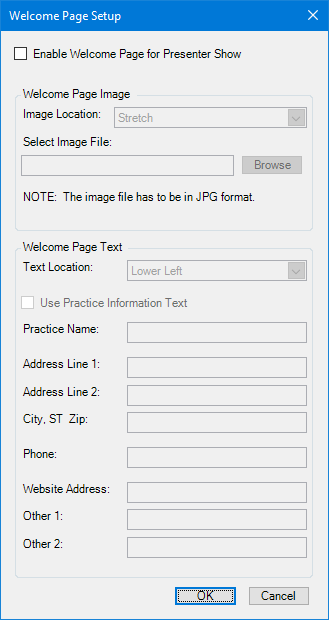
The Welcome Page Setup dialog box appears.
Note: The Welcome page is the first page of a case presentation that the patient sees. The Welcome page only appears when a show is being presented or burned to a CD.
3. Select Enable Welcome Page for Presenter Show.
Note: Once you enable the Welcome page, you can customize the settings, including the image and text (the practice information, up to two additional lines of customized text, and the positions of the image and text).
4. Click OK to save your changes and return to the Presenter.