
Insurance notes are for the insurance carrier and apply to all patients covered by the carrier. Insurance notes do not print on insurance claims. From the Treatment Planner, you can view, but not edit, insurance notes.
To view a primary or secondary insurance note
1. Select a patient, and start the Treatment Planner.
The Treatment Planner appears.
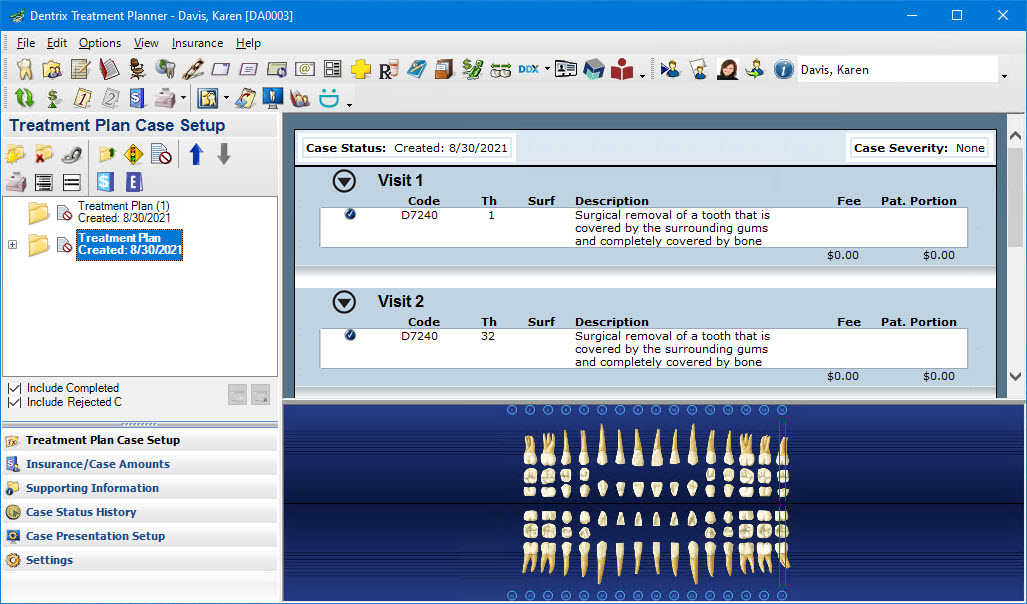
2. In the Insurance menu, click Primary Dental Insurance Note or Secondary Dental Insurance Note.
The Primary/Secondary Dental Insurance Note dialog box appears.
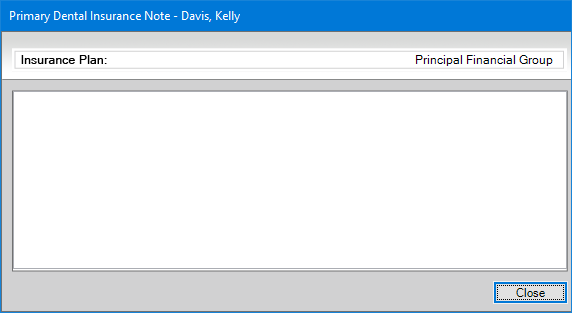
3. Review the note, and then click Close.