
Dentrix includes 10 predefined display themes. You can also create custom display themes.
To select a display theme
1. In the Perio Chart, click Setup, and then click Perio Display Setup.
The Perio Display Setup dialog box appears.
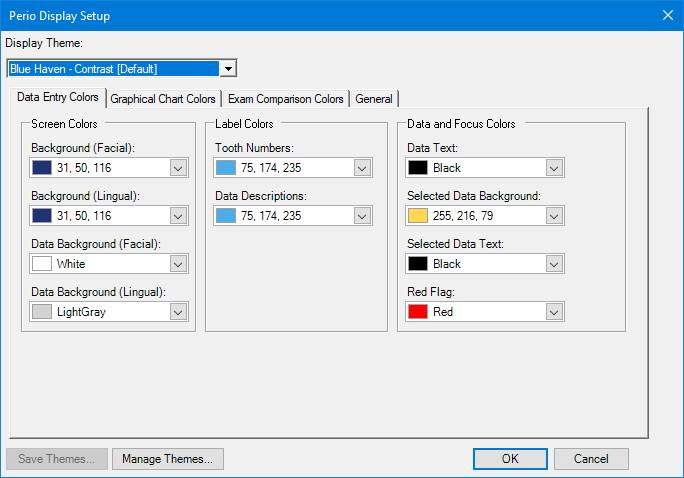
2. Select one of the following display themes from the Display Theme list:
Blue Haven
Blue Haven – Contrast [Default]
Blue Sky
Classic Chart
Parchment
Sand Dune
Seashore
Silver Bells
Snow Day
Steel Monkey
The Perio Chart changes to the theme you selected.
3. Click OK.