
You can auto-hide the Perio panel. You can use this option to expand the data chart over the area the Perio panel normally occupies.
To auto-hide the Perio panel
Click the Push Pin in the top-right corner of the Perio panel.
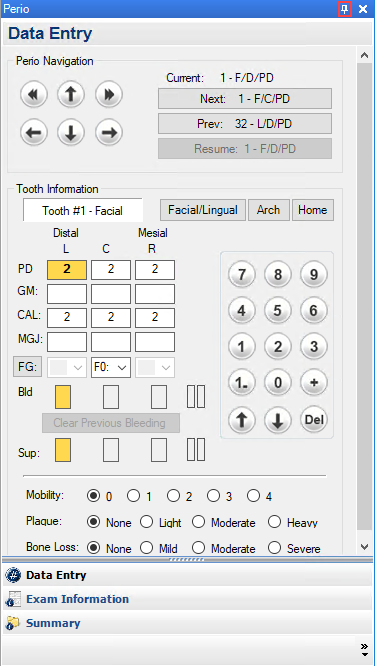
Note: When the pin is vertical, the panel appears next to the Data Chart at all times. When the pin is horizontal, auto-hide is enabled, and the panel shrinks to a tab. To expand the Perio panel, click the tab.