
Clinical notes templates provide a way for you to follow an orderly format when entering notes for a patient. Use the templates as a uniform guide when you are collecting patient information. Clinical note categories provide a convenient way for you to organize and manage your clinical notes templates.
Renaming a clinical note template category
1. In the Perio Chart, click View, and then click Clinical Notes Panel.
The Clinical Notes panel appears.
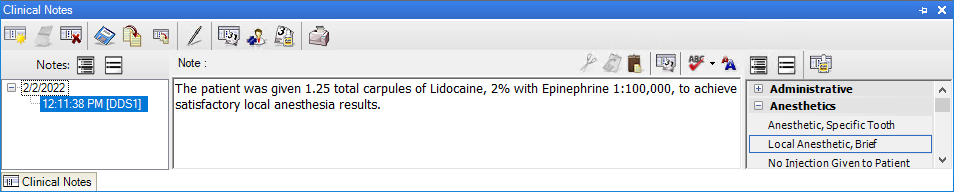
2. Click the Template Setup toolbar button.
The Template Setup dialog box appears.
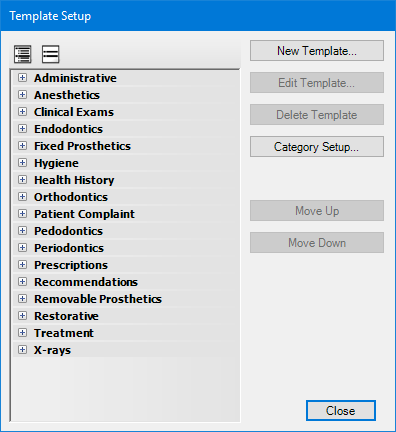
3. Click Category Setup.
The Category Setup dialog box appears.
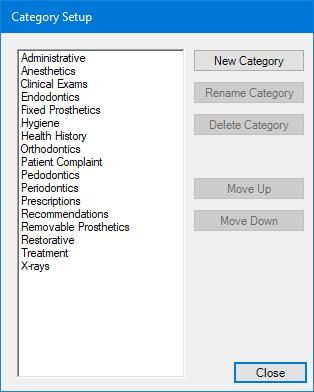
4. Select the category that you want to rename, and then click Rename Category.
A text box appears in the category list.
5. Type a new name for the category in the text box, and then press Enter.
The category is renamed.