
A warning appears when an Eligibility Pro connection has not been established or if the connection was disconnected for the requested payer or payers.
Note: The warning appears when you click the Eligibility icon and only appears once a day. You can also prevent the message from reappearing by selecting Snooze this message for 30 days.
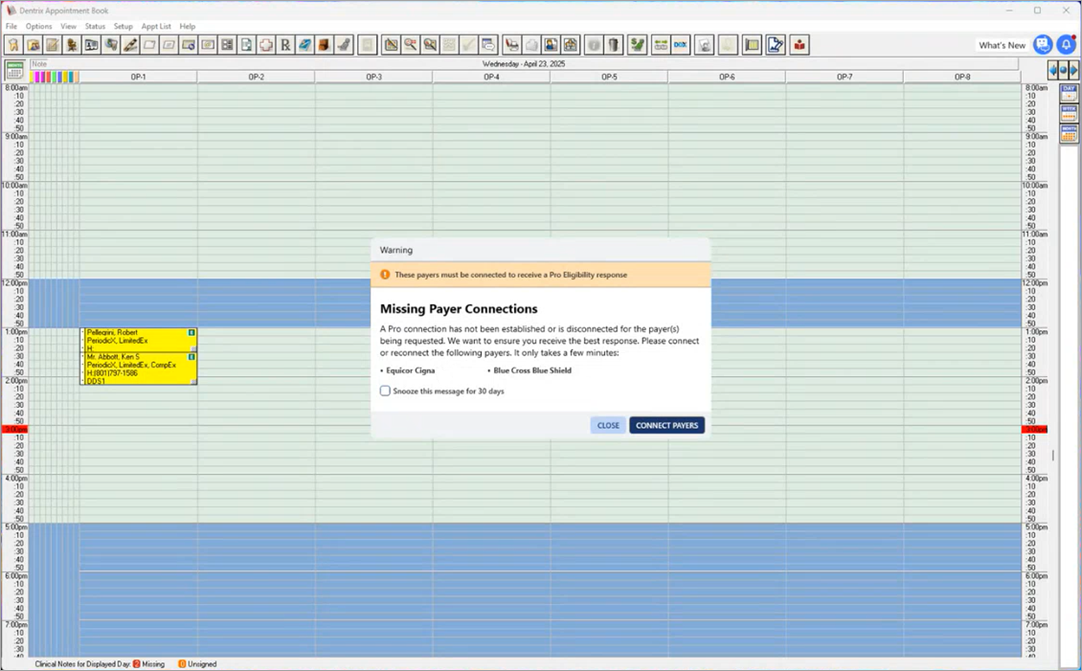
To reconnect to the Payer Connection Portal
1. Click Connect Payers.
The Payer Connection Portal screen appears.
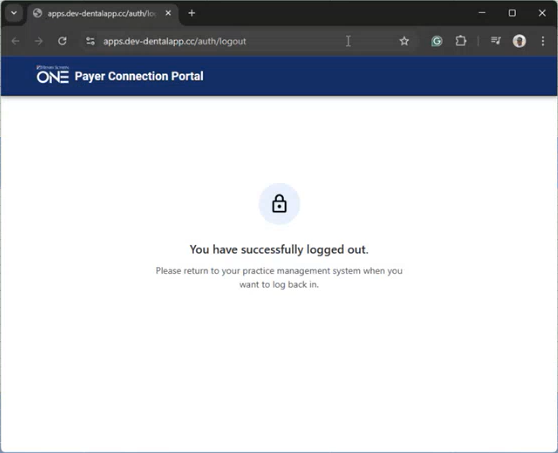
2. Connect or reconnect to the missing payers.