
If you use insurance eligibilities, you can open, view, and search the entire Payor List from the Help menu.
To open, view, and search the Payor List.
1. Click the Help menu, and then click Payor List.
The Payor List dialog box appears.
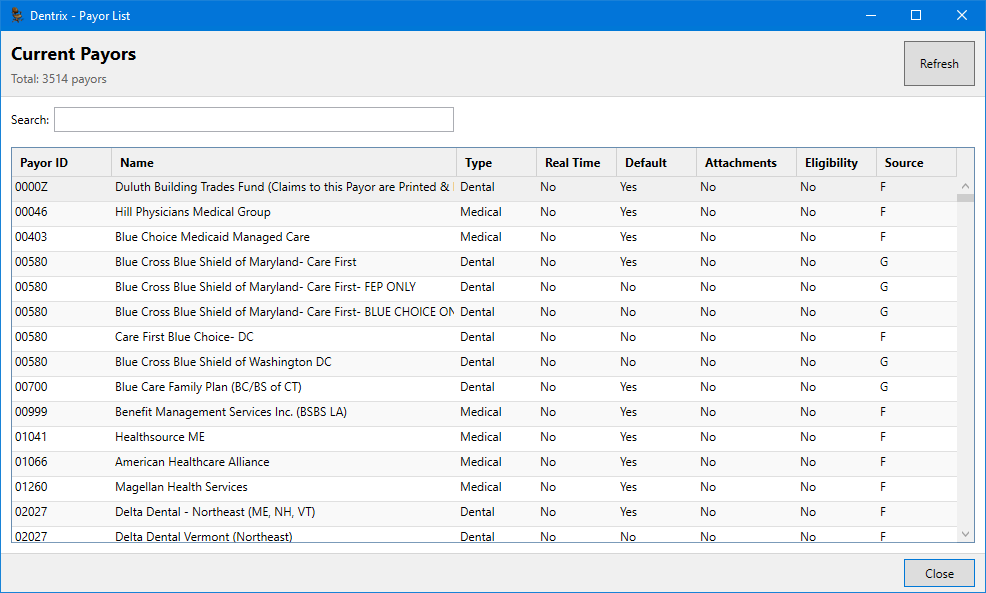
2. To search the list using the Search text box, do one of the following:
Payor ID – Type the first few numbers of the Payor ID.
Name – Type the first few letters of the payor name.
Type – Type the first few letters of the payor type.
Note: You can also filter the list by clicking the column title.
3. To return the list to its default order or to update the list, click Refresh.