
With Insurance Pay, you can process Virtual Credit Card (VCC) payments directly from the Batch Insurance Payment Entry dialog box and apply payment amounts directly to claims.
To use Insurance Pay, no Henry Schein One subscriptions are required, but you must have internet access, an active Worldpay merchant account, Dentrix Pay enabled and configured, and a PIN pad device.
To learn about using Insurance Pay, click Insurance Pay overview.
To set up Insurance Pay
1. In the Office Manager, click Maintenance, point to Practice Setup, point to Dentrix Pay, and then click Dentrix Pay Setup.
The Dentrix Pay Setup dialog box appears.
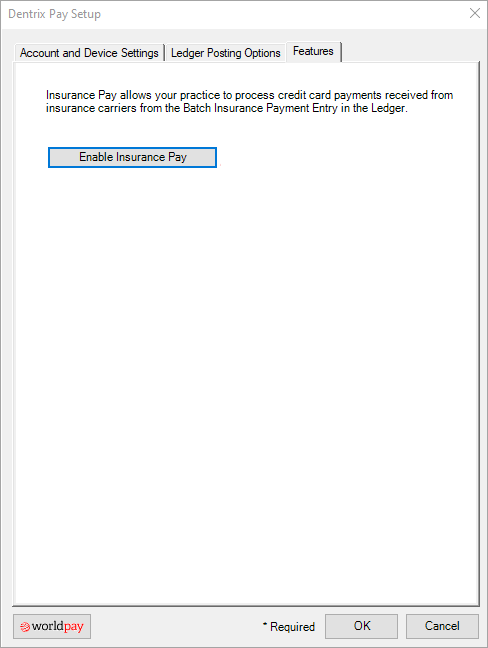
2. Click the Features tab.
3. Click Enable Insurance Pay.
4. Click OK.